15
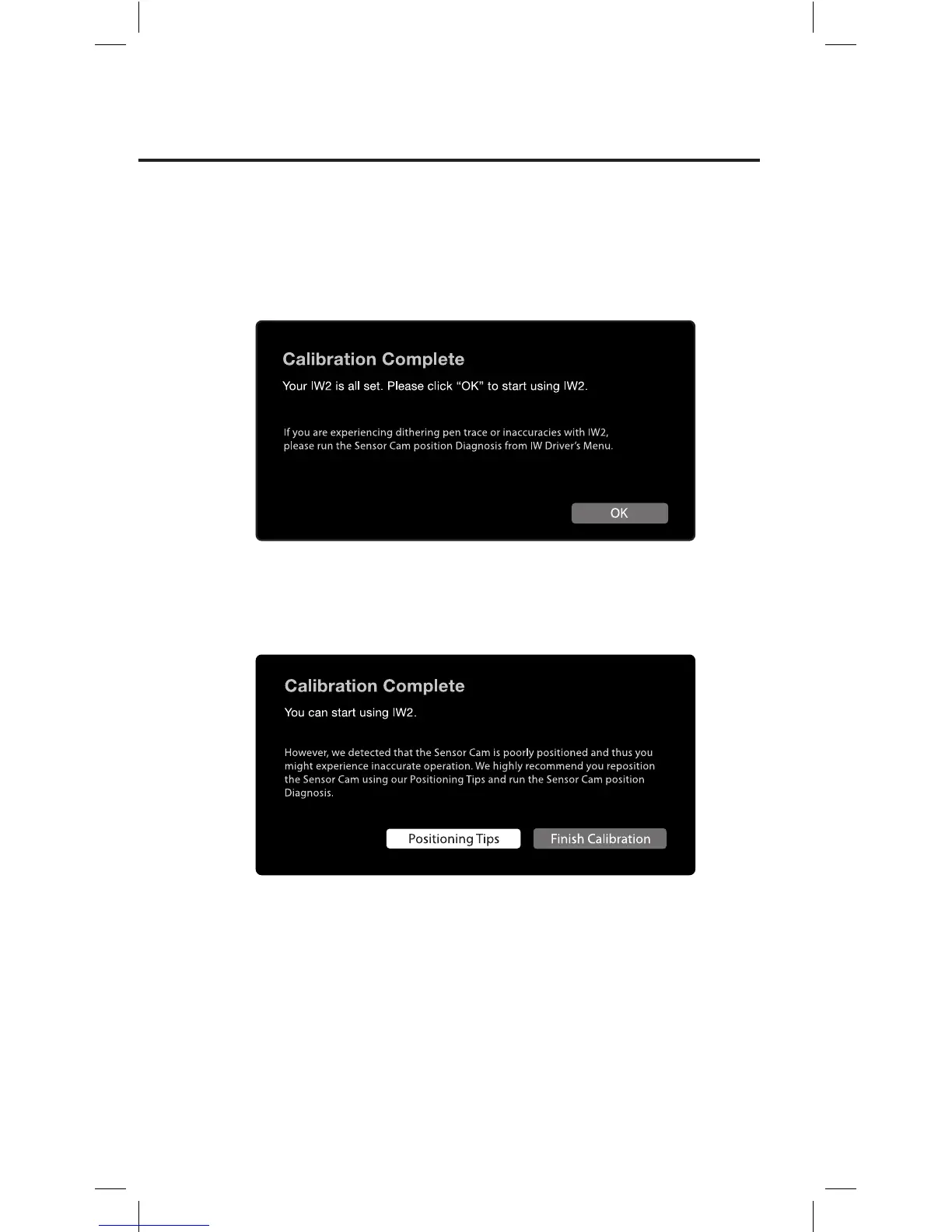
Step 3: Calibration Completed
After the process, you will be returned to your desktop and your IW2
will be ready for use.
However, if the system detected that the Sensor Cam is poorly positioned
and that there might be inaccuracies with IW2, follow the instructions
onscreen to improve its accuracy.
Sensor Cam position Diagnosis
If you find that your pen trace is jumping (dithering), lagging, or
otherwise becoming inaccurate after a period of time, please run the
Sensor Cam position Diagnosis and reposition the Sensor Cam according
to the suggestions given.
You can start the Diagnosis by clicking on the IW Driver icon located in
the task bar or status bar and choose “Run Diagnosis”.



 To Next Page