5
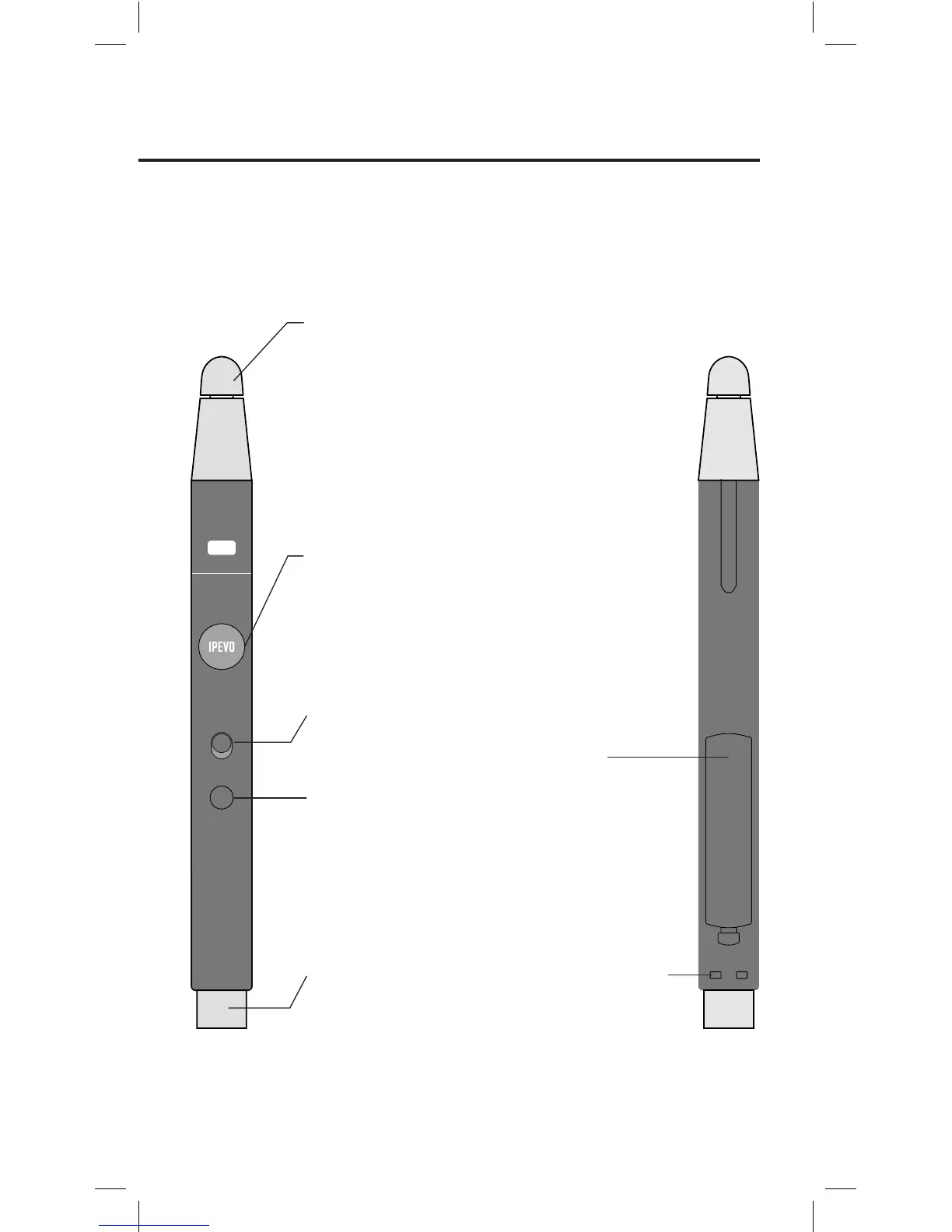
Contact Sensitive Tip
Send signals for left, right,
and double mouse clicks.
Brief contact performs a
left click while pressing in
and holding for 2 seconds
or longer performs a right
click.
IPEVO Button
This is another way to per-
form mouse clicks. Press
for a left click, or press
and hold for 2 seconds or
longer for a right click.
Wrist Strap Attachment
Holes
Attach the included wrist
strap here.
Wireless Receiver
Detach this from the Interac-
tive Pen and plug it into
your computer for a wireless
connection between your
computer and the Sensor
Cam.
Battery Cover
Open to reveal slots for 2
AAA batteries.
Power Switch
Turn the Interactive Pen on
and off.
Sensor Power Button
Remotely turn your Sensor
Cam on or off. Press once
for the Sensor Cam to enter
Active Mode. Press once
again to enter Sleep Mode.



 To Next Page