Resetting VZ-X
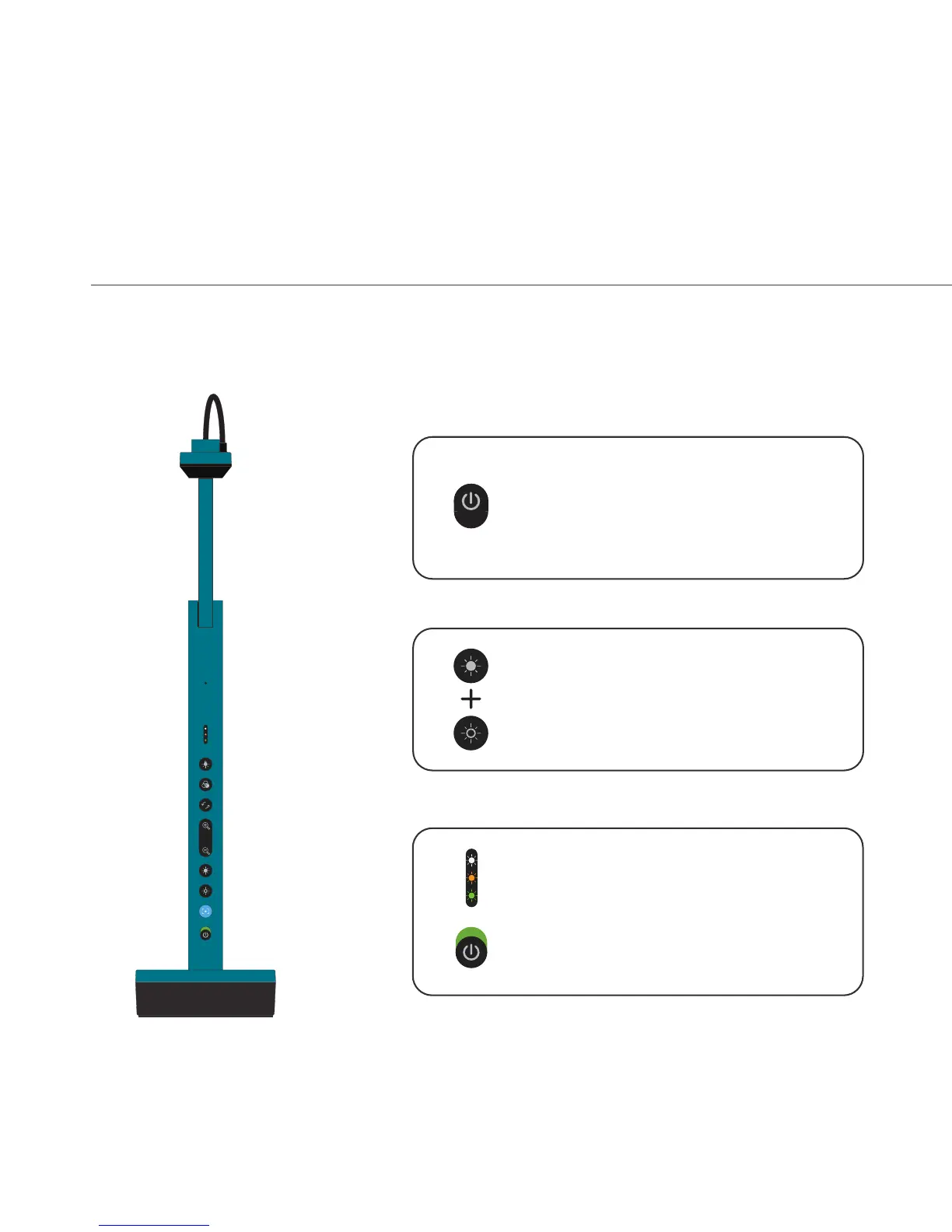
Should you need to reset VZ-X to its factory default, you can do so by:
13
Turn VZ-X off if it is still on.
off
Press and hold on both the Increase Exposure and
Decrease Exposure buttons.
Turn VZ-X on while holding down the buttons.
The LED Indicator will briefly show three colors –
Green, Amber and White. You can then release the
buttons. VZ-X is now reset.
on
1
2
3



 To Next Page