Connecting Wirelessly to Your Devices
VZ-X can be used wirelessly with your iOS/Android devices (iPad & iPhone/Android Tablet & Android Phone), Mac or PC. You may want
to check VZ-X’s remaining battery power by pressing the Battery Check Button before you start using it. To use it wirelessly with your
device, please follow the steps below:
1
For iOS and Android devices, please download the free software
“IPEVO Visualizer” or “IPEVO Whiteboard” from App Store or Play Store.
For Mac and PC, please download “IPEVO Visualizer” from
http://support.ipevo.com/visualizer.
3
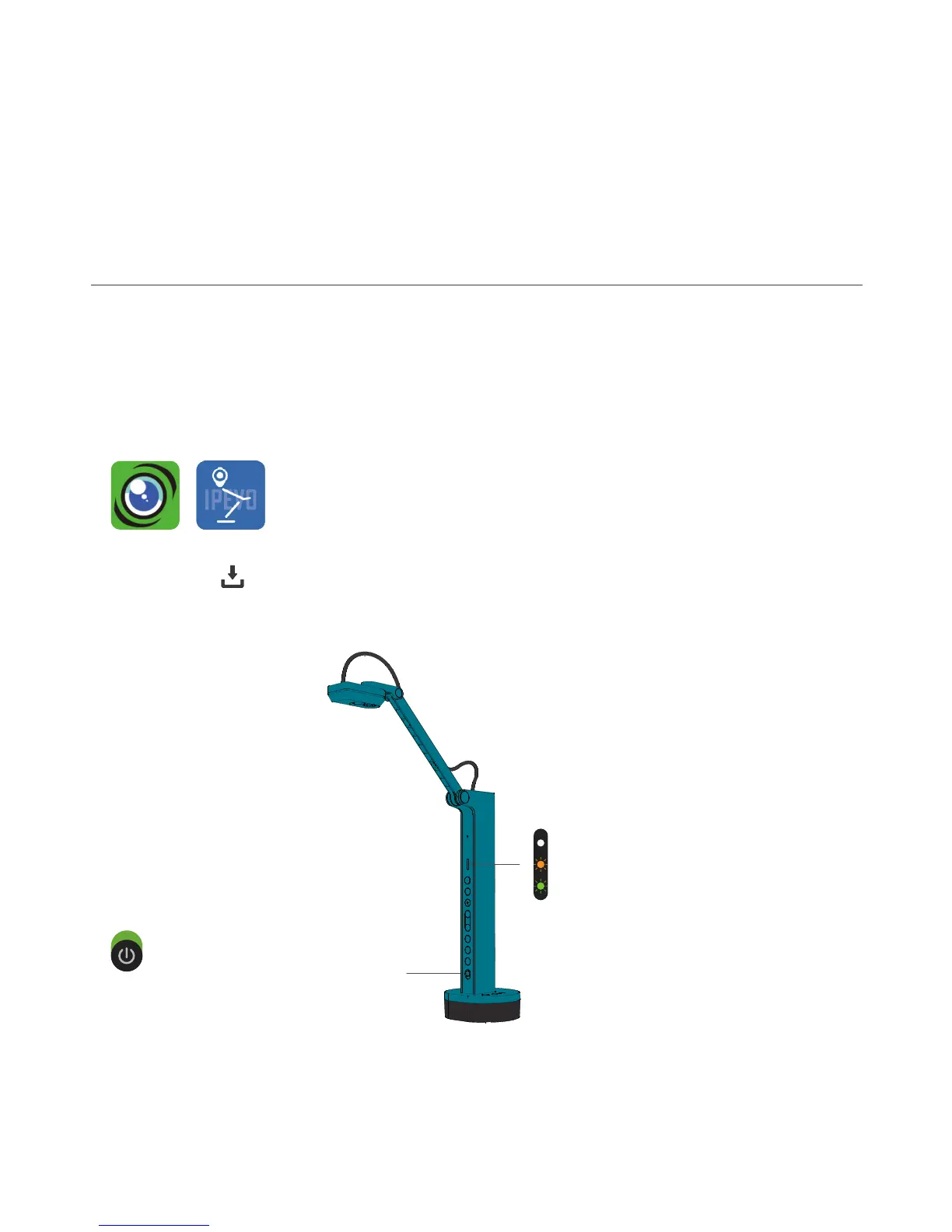
Check the LED Indicator and make sure the
Green and Amber lights are on.
If the Amber light is not on, please switch VZ-X
to its Wi-Fi mode using the Mode Switch
located on its back.
2
Turn VZ-X on using the Power Switch.
8
on
Visualizer Whiteboard
Download
Visualizer Whiteboard
Download



 To Next Page