Chapter 2 Music Features 21
To download songs to iPod nano:
m Simply connect it to your computer. If iPod nano is set to update automatically (see
below), the download begins.
Important: The first time you connect iPod nano to a computer, a message asks if you
want to transfer songs automatically. If you accept, all songs are deleted from iPod
nano and replaced with the songs from that computer. If you don’t accept, you can still
download songs to iPod nano manually without deleting any of the songs already on
iPod nano.
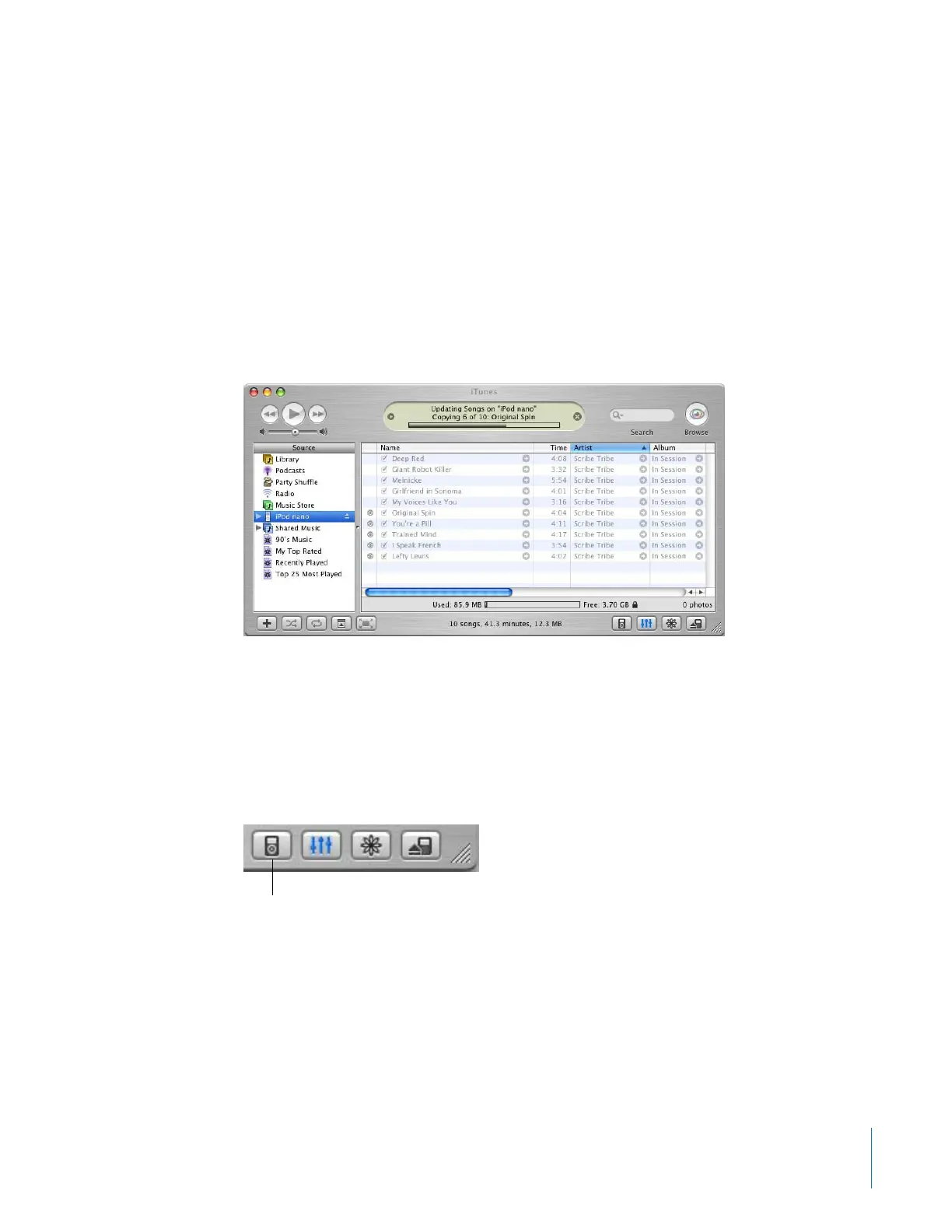
While music is being downloaded from your computer to iPod nano, the iTunes status
window shows progress, and the iPod nano icon in the Source list flashes red.
When the download is complete, a message in iTunes says “iPod update is complete.”
If you set iTunes to download music manually, you can reset it later to update iPod
nano automatically.
To reset iTunes to update iPod nano automatically with all songs and playlists:
1 Open iTunes and select iPod nano in the Source list. Then click the Options button.
2 Select “Automatically update all songs and playlists.”
The download begins automatically.
Options button



 To Next Page