4-17
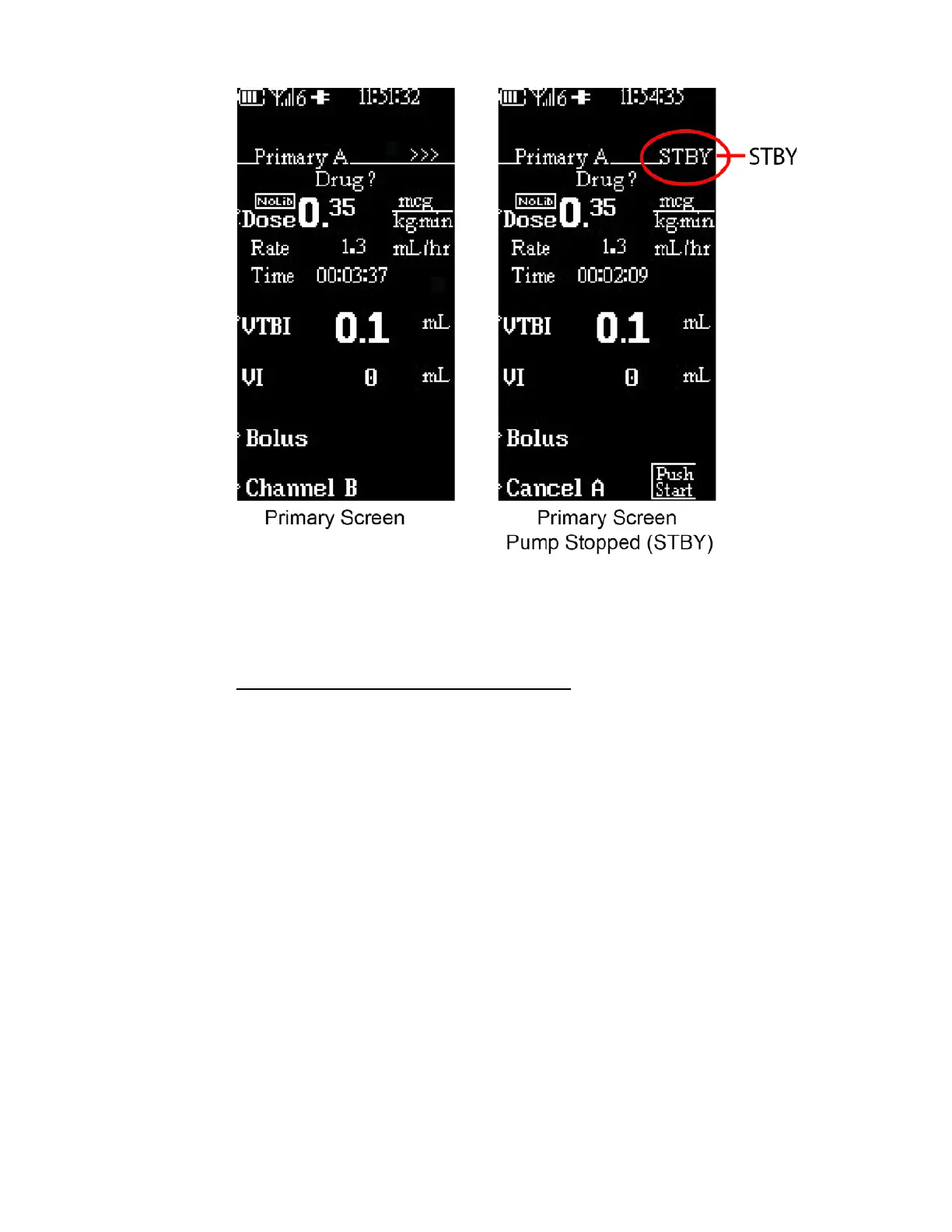
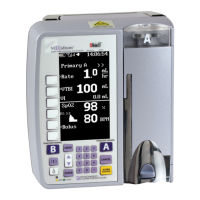
Figure 4-8. Primary Screen with Dose Rate Displayed
4.5.1.2 Dose Rate Calculator with Drug Library
- The Dose Rate Calculator
feature is used to calculate the volumetric rate for either Channel A or B, and
is accessed using the Menu key. All factory default values in the Drug Library
are shown in Appendix A, and the user must enter appropriate values for all
parameters before an infusion can begin. The user is free to change the value
of any field at any time. When a new infusion rate is entered the dose value
will change. When a new dose value, weight, concentration or diluent value is
entered the infusion rate changes automatically. In this mode, the Drug
Library is turned on in the Service Mode, but no user-defined parameters have
been programmed.
Perform the following steps to select the Dose Rate Calculator with Drug
Library Calculator:
a. Press the MENU control key.
b. Press the DOSE RATE CALC. (A or B) soft key. "Dose Rate Calc. B"
message will only be visible if the Sidecar
TM
(Channel B) has been
connected.
c. Observe that the word "Drug?" is highlighted.
d. Use the up and down arrow keys to select the drug type (the choices
are: Drug? (which is the default drug name), Adenosine, Dobutamine,
Propofol, or Dexmedetomidine).
e. Press Enter.
NOTE:
When the Pump is Stopped, “STBY” (Standby) will be displayed to the right
of Primary A in place of the pulsing “>>>”.


 To Next Page