All rights reserved and shall not be copied and distributed in any form without written permission
11th Guiyang Street, YEDA,
Yantai 264006, P. R. China
400-998-3088
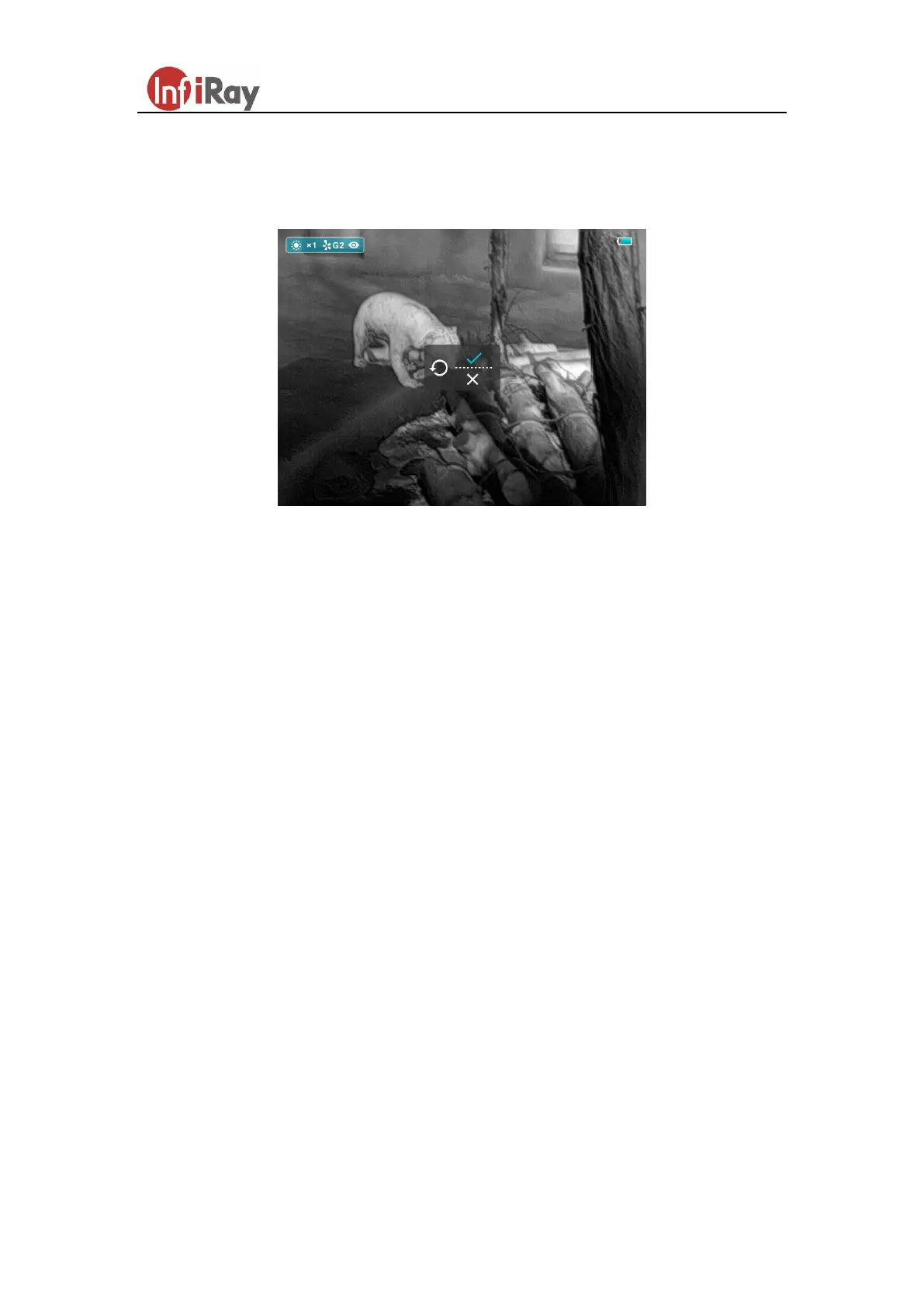
default, and the “×” is to cancel.
When selecting “√” or “×”, short press the M button to confirm the selection and
exit to the normal interface.
Fig.6 Default resetting interface
4. Key Function Customization
Saim series supports the function customization of shortcut keys that users can set the
shortcut functions according to their personal preferences or usage frequency. The
operation is as follows:
First, connect Saim to the device.
Then double-click the app named XECM in the folder and entry.
Click auto to connect.
When the connection is complete, click other and customization. (as shown in
figure 7). Enter the button customization interface, as shown in figure 8.
According to the key distribution on the left side, the key customization is only
supported for the long- press function. The gray background indicates that
customization is not supported.
Specific operation: Select button - select custom function - click to add. Repeat
until all key customization is completed. Then click save. After the key settings
are successfully downloaded, click confirm and the process is done.



 To Next Page