DIAL-UP DATA -----------------------------------------------------------------------------------------------------WINDOWS 2000 SETUP
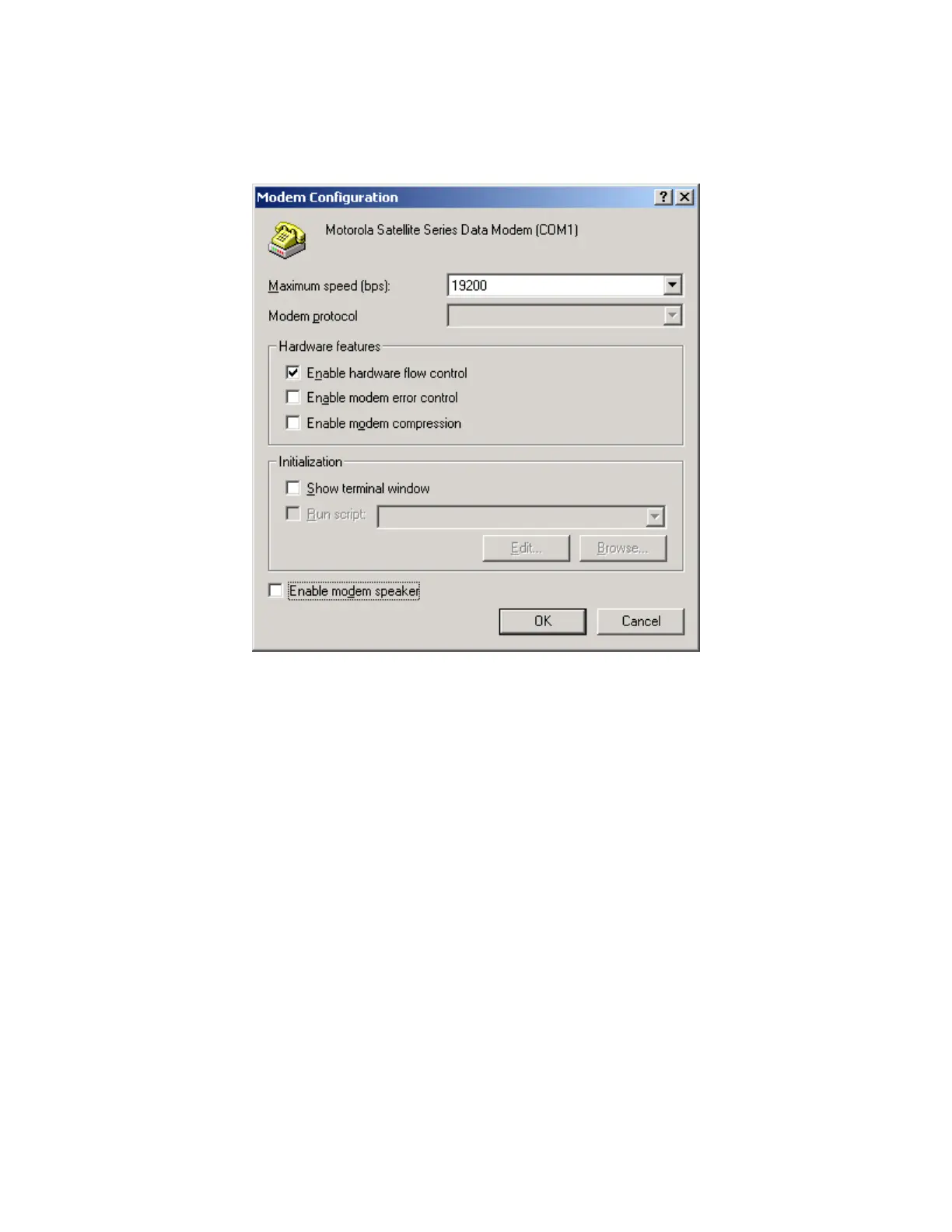
14. From the General menu, click Configure… to verify the proper settings. The settings should
match the figure below. Click OK to return to the Properties window, and then click OK again
to close the Properties window.
15. You have now completed the configuration of Dial-Up Networking. To connect your hardware
and initiate a dial-up data call, continue with section 4.
Iridium Satellite LLC 36 Rev. 4; February 1, 2002



 To Next Page