For more information, visit global.irobot.com10
EN
Charging
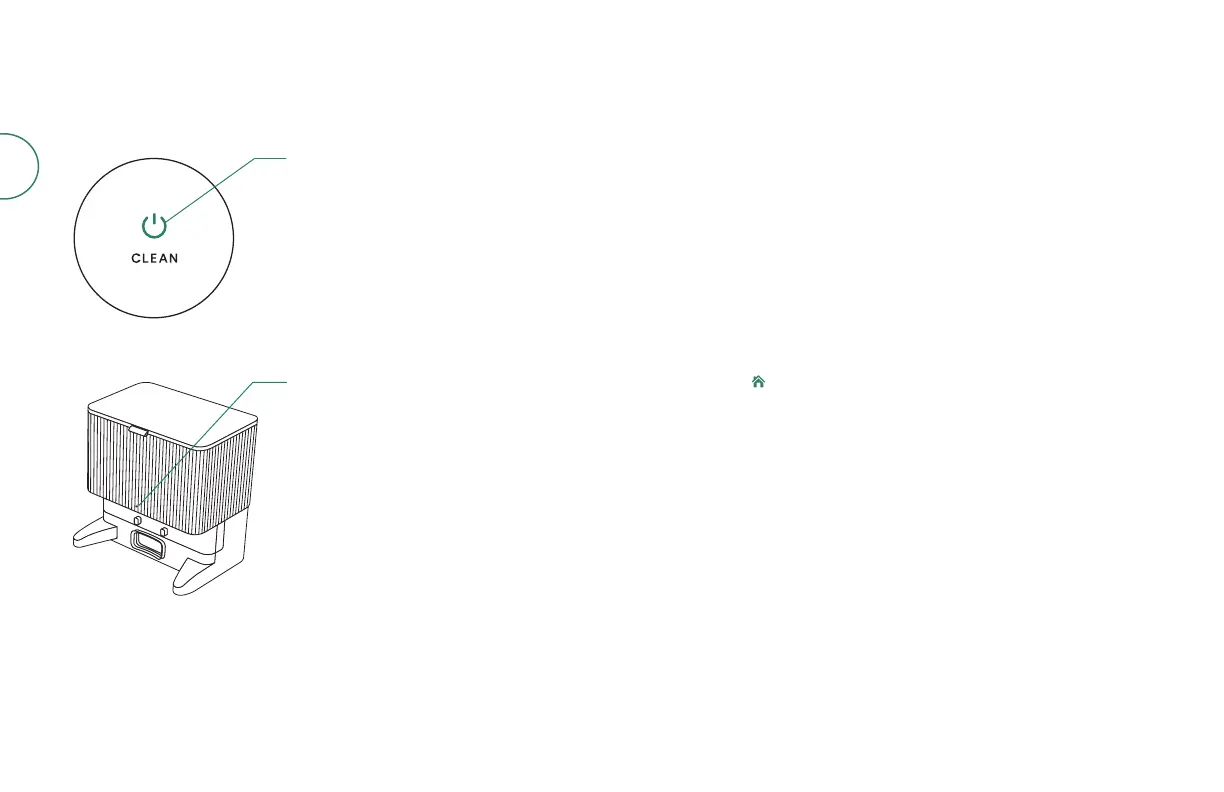
Power icon indicator
Solid white: fully charged
Pulsing white: charging
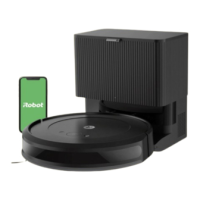
Dock LED indicator
Solid white: fully charged, charging
Pulsing white: robot on dock
Flashing white: update in progress
Solid red: bag full or not installed
Charging during a cleaning job
You robot will return to the dock whenever it needs to recharge. Once the robot is
suciently charged, it will then resume the cleaning job where it left o.
Standby mode
The robot uses a small amount of power whenever it is on the dock. You can put
the robot in a further-reduced power state when not in use. For instructions and
more details on this Reduced Power Standby Mode, refer to the FAQ page on
our website.
Storing your robot
For long-term storage, turn o the robot by removing it from the charging station
and holding down for 9 seconds. Store the robot in a cool, dry place.





 To Next Page