For more information, visit global.irobot.com16
EN
Care and maintenance for your dock
To keep your dock running at peak performance, perform the procedures on the following pages.
Bags -
Bags should be replaced when
prompted by the LED indicator or the
Blower cover
Once every month (remove debris
from blower cover)
* Replacement frequency may vary. Parts should be replaced if visible wear appears. If you think you need a replacement part,
please contact iRobot Customer Care for more information.
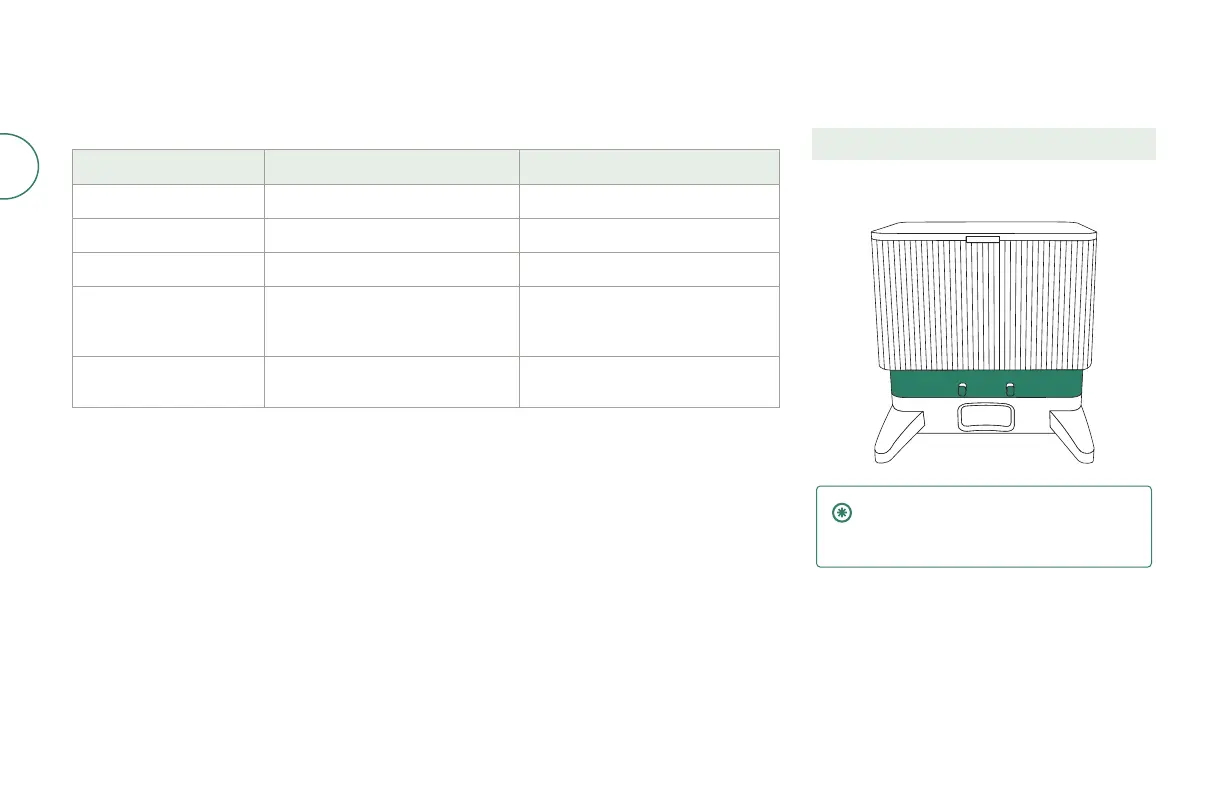
Cleaning the charging contacts
and IR window
Inspect the components to make sure that they are
clear of debris. Wipe with a clean, dry cloth.
IMPORTANT: Do not spray cleaning
solution or water onto the sensors or
sensor openings.













 To Next Page