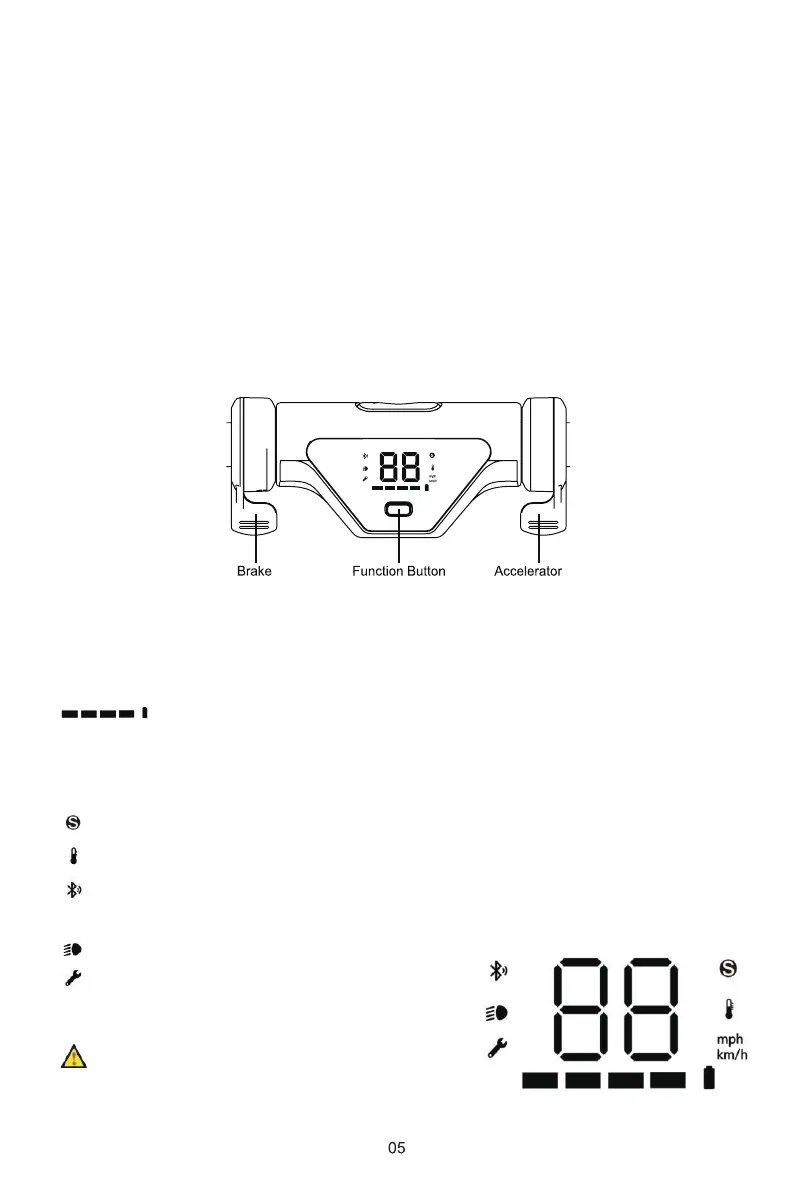
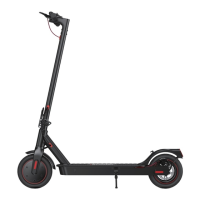
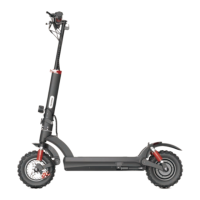
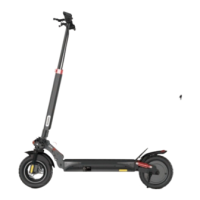
The display features several different elements. Be sure you understand
these before attempting to ride.
Power : Press and hold for 3~5 seconds to turn on/off the scooter.
Cruise Control : Maintain the speed for at least 6 sec to activate
this feature. Cancel it by pressing brake or accelerator.
MODE : Press once quickly to switch speed modes between 1, 2, and 3.
Headlight : Press twice quickly to turn on/off the headlight.
Speed units : Press 3 times quickly to switch between km/h or mph.
2.3 Buttons Information
Speedometer - These numbers indicate the current speed. Readings are
measured in km/h and mph.
:This icon indicates how much battery level the scooter has.
When the battery level is low, stop riding,
turn off the scooter, and fully recharge it
before riding again.
:This icon indicates the speed mode. Mode1-white;Mode2-orange;Mode3-red.
: This icon indicates when the temperature of the controller is high.
: This icon indicates the app’s on/off status.(Download the iscooter app by scanning the QR
code on the cover of the manual, password: 000000)
: This icon indicates the headlight’s on/off status.
: This icon indicates error of scooter on/off status.
2.4 Display Information


 To Next Page