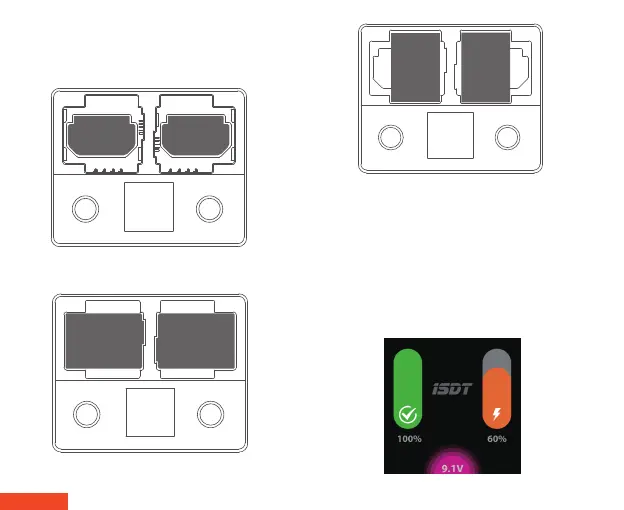
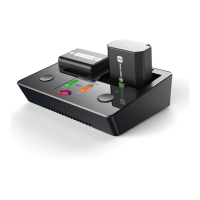
2. Insert batteries into the battery slot as shown below. The
NP2 supports mixed charging of different types of batteries
and can automatically identify and adjust charging
parameters.
3. After correctly inserting a battery, the charger will beep and
sound the prompt tone. Default charging mode will start
automatically without setup. To enter Fast Charging mode, press
the channel operate button for a few seconds and the selected
channel will switch into fast charging mode. Please note that the
actual charging current is limited by the output wattage of the
USB adaptor. The maximum input wattage is 18W when using a
standard adaptor which supports QC 2.0/3.0. It can automatically
allocate a maximum 75% wattage after the channel has been
activated in fast charging mode.
Insertion diagram for NP-FZ100
Insertion diagram for NP-FW50
Insertion diagram for NP-BX1
English | 02
NP-FZ100 NP-FZ100
NP-FW50 NP-FW50
NP-BX1 NP-BX1


 To Next Page