EasyManua.ls Logo

iskn Slate 2 - Connecting the Slate to Tablet;Mobile Devices; Installation Steps; Connection Process

iskn Slate 2
16 pages
Print Icon
To Next Page IconTo Next Page
To Previous Page IconTo Previous Page
Loading...
6
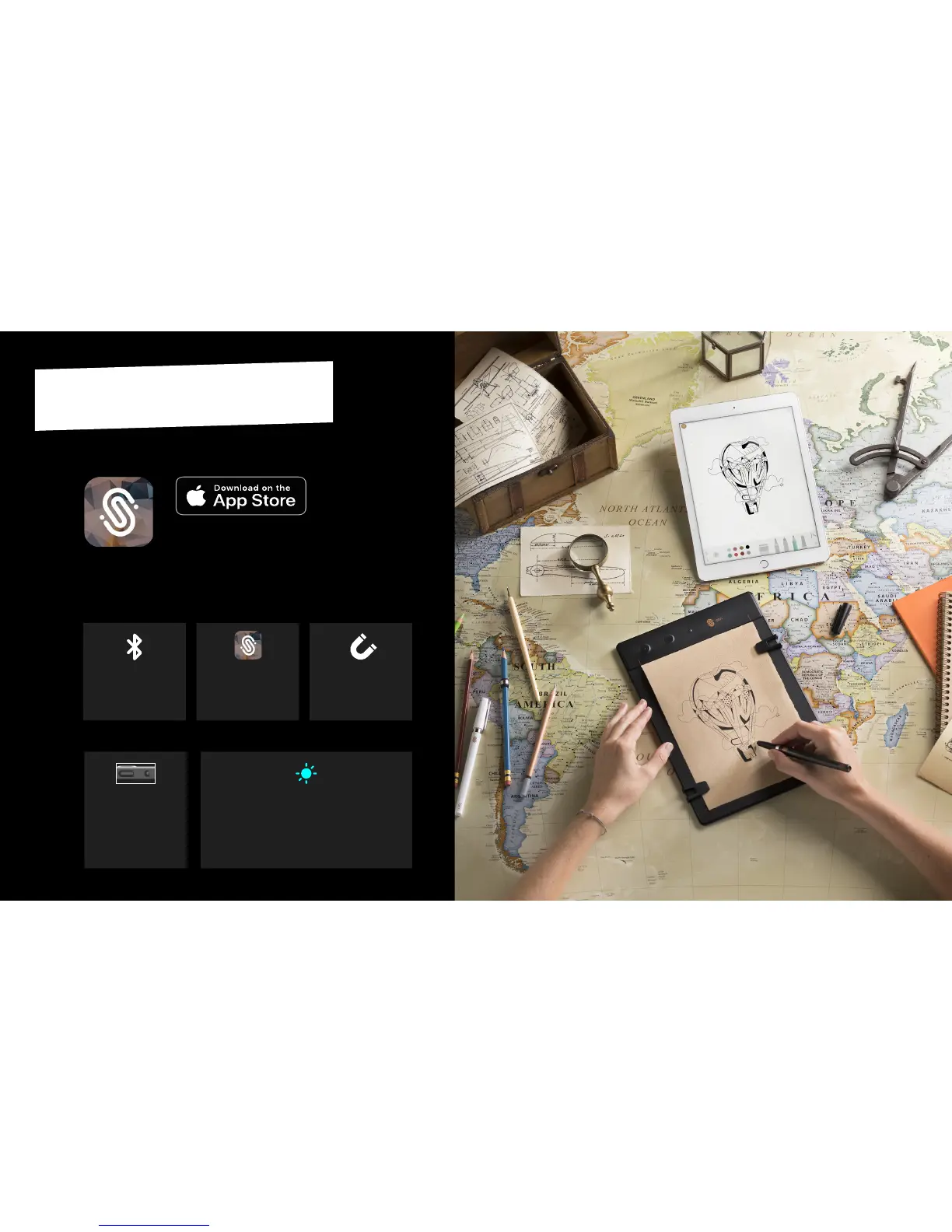
THE SLATE ON TABLET / MOBILE
(IPAD / IPHONE)
INSTALLATIONCONNECTION
Launch the Imagink app
downloaded from
the App Store.
2
Make sure to respect the
precauons described
page 5.
3
Turn on the Slate by ma-
king a long push on the
power buon at the top
of the Slate in portrait
mode (or at the le side
in landscape mode).
4
Switch to the Bluetooth mode by making
a short push on the Power buon : a blue
LED will shine at the top showing the
Slate is ready to be used with your iPad or
iPhone.
5
Acvate the iPad or
iPhone’s Bluetooth
®
.
1
Download the Imagink app
for iPad/iPhone on the
Apple
®
App Store.
Imagink
6

Related product manuals