7
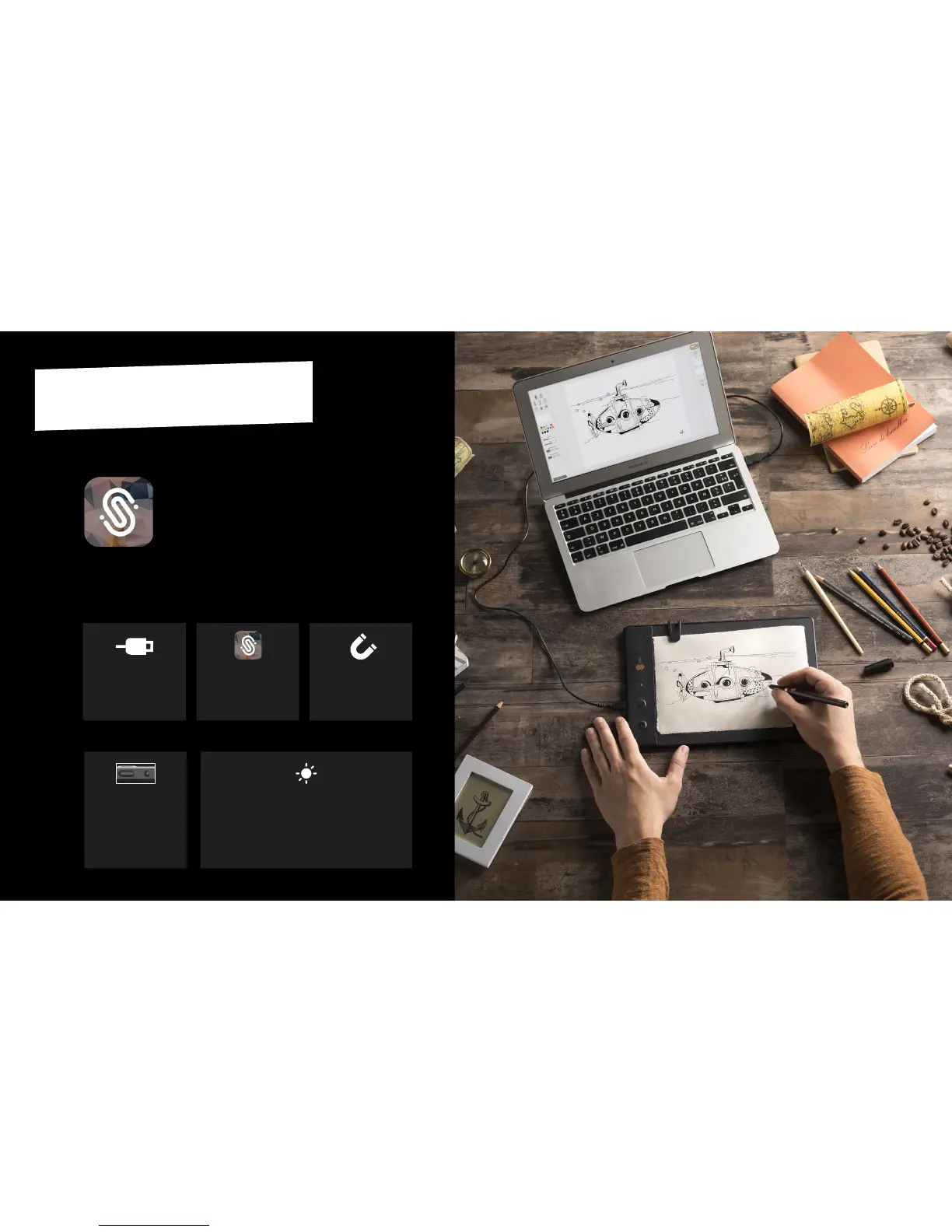
THE SLATE ON DESKTOP
(PC / MAC)
INSTALLATIONCONNECTION
Launch the Imagink app
downloaded from the
iskn website.
2
Make sure to respect
the precauons descri-
bed page 5.
3
Turn on the Slate by ma-
king a long push on the
power buon at the top
of the Slate in portrait
mode (or at the le side
in landscape mode).
4
The Slate will automacally start in the
USB connecon mode: a white LED will
shine showing you the Slate is ready to be
used with your computer and a nocaon
will appear on your screen.
5
Connect your Slate to
your computer thanks to
the USB cord included.
1
Imagink
Get the Imagink app for your computer
on www.iskn.co/download
Download and install the right version
for your OS.
7


 To Next Page