15
SCREENLESS MODE
Turn on your Slate : by
making a long push on the
power buon at the top of
the Slate in portrait mode
(or at the le side in lands-
cape mode). Your Slate will
start in USB mode with the
LED white shining.
Turn on the screenless
mode by making two short
pushes. When the Slate
is in Screenless mode, the
upper LED shines green
and your Slate is ready to
be used without your iPad,
Mac, or PC.
1 2
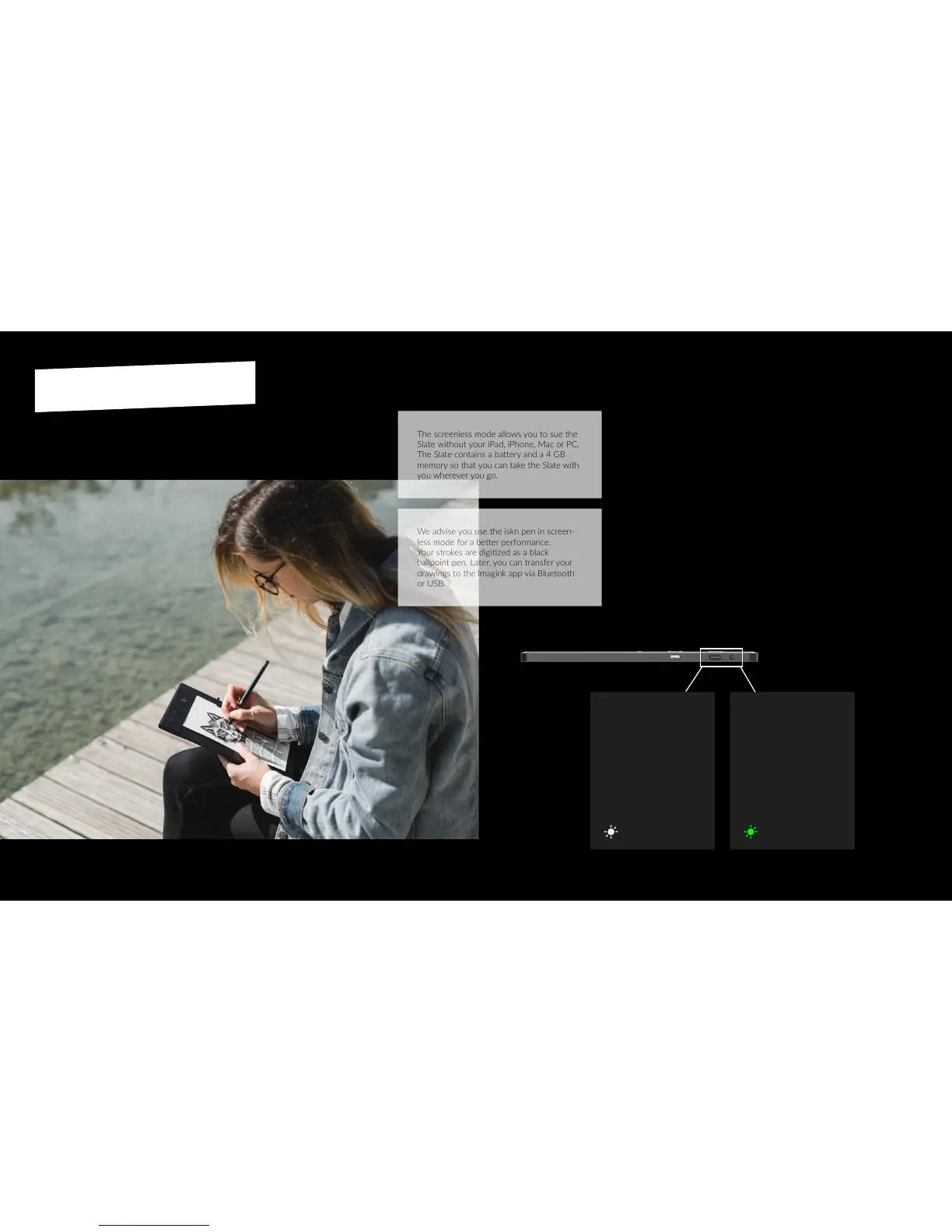
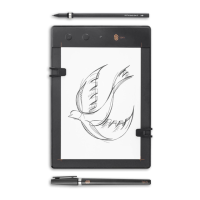
The screenless mode allows you to sue the
Slate without your iPad, iPhone, Mac or PC.
The Slate contains a baery and a 4 GB
memory so that you can take the Slate with
you wherever you go.
We advise you use the iskn pen in screen-
less mode for a beer performance.
Your strokes are digized as a black
ballpoint pen. Later, you can transfer your
drawings to the lmagink app via Bluetooth
or USB.


 To Next Page