9
THE GRAPHIC TABLET MODE
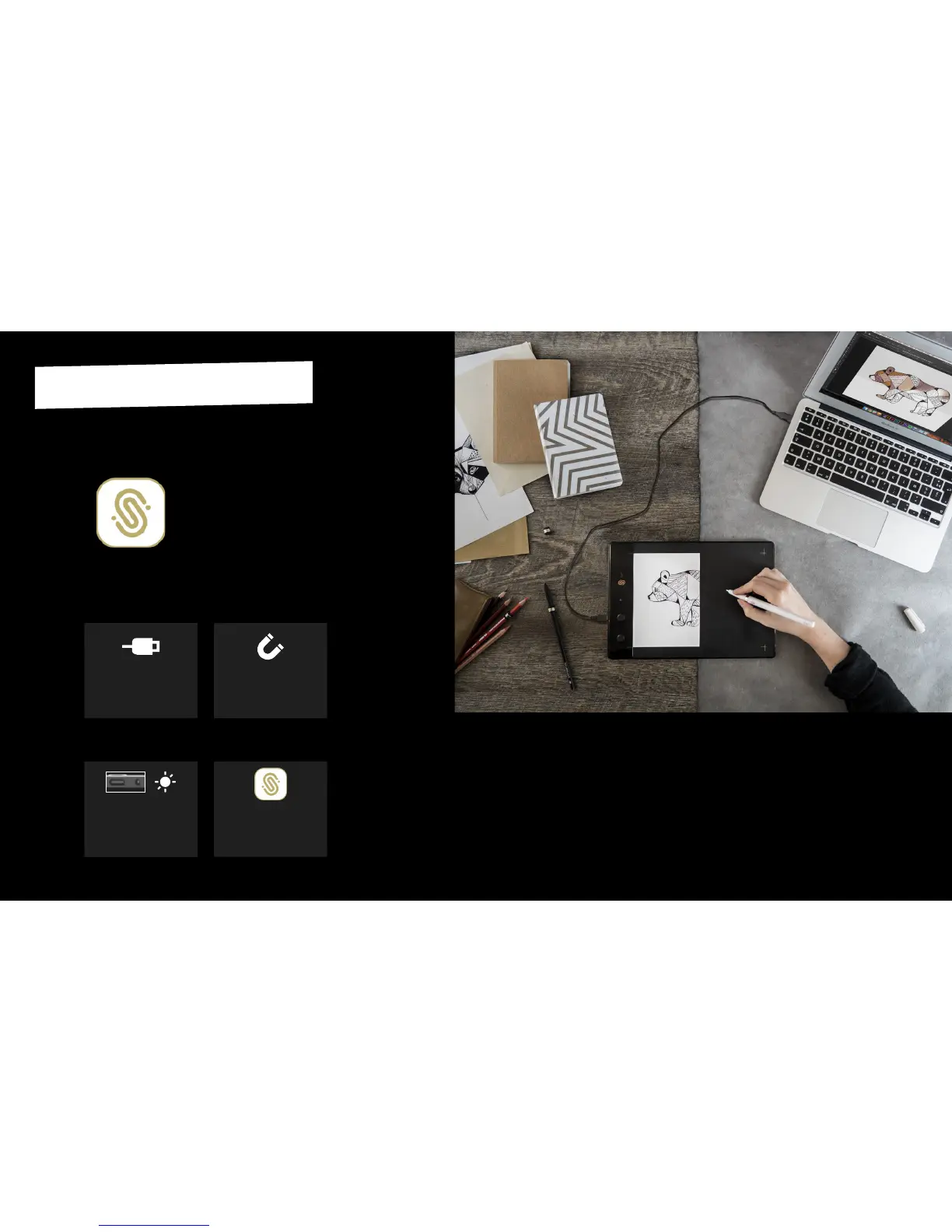
In the Graphic Tablet Mode
Congurator, click on
"Acvate".
4
Make sure to respect the
precauons described
page 5.
2
Turn on the Slate by making
a long push on the power
buon at the top of the
Slate.
3
Connect your Slate to your
computer thanks to the
USB cord included.
1
Get the Graphic Tablet Mode Congurator
for your computer
on www.iskn.co/download
Download and install the right version for
your OS.
Graphic Tablet
Mode Congurator
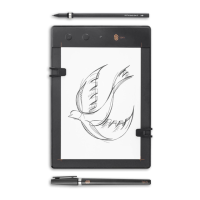
Your Slate is now ready to
be used as a graphic tablet
with your favorite apps and
soware.
Once you installed the
Congurator, it will always run
in the background. Be careful to
deacvate the Graphic Tablet
mode into the Congurator if
you want to come back into
Imagink app and use the Slate
: if not, you will draw with your
tool into Imagink as if it were a
mouse, so the experience won’t
be enjoyable.
Enjoy this mode using the
Tip on your Slate’s surface
for a beer experience.


 To Next Page