SAVE/RECALL SETUP
37
Recall Setup
The front panel settings can be recalled from one of the four internal
memories.
The following list shows the setup contents.
Independent / tracking series / tracking parallel mode
CH1/CH2 knob selection
Fine/coarse editing mode
Output voltage/current level
The following settings are always recalled as “off”.
Output on/off
Front panel lock/unlock
Buzzer on/off
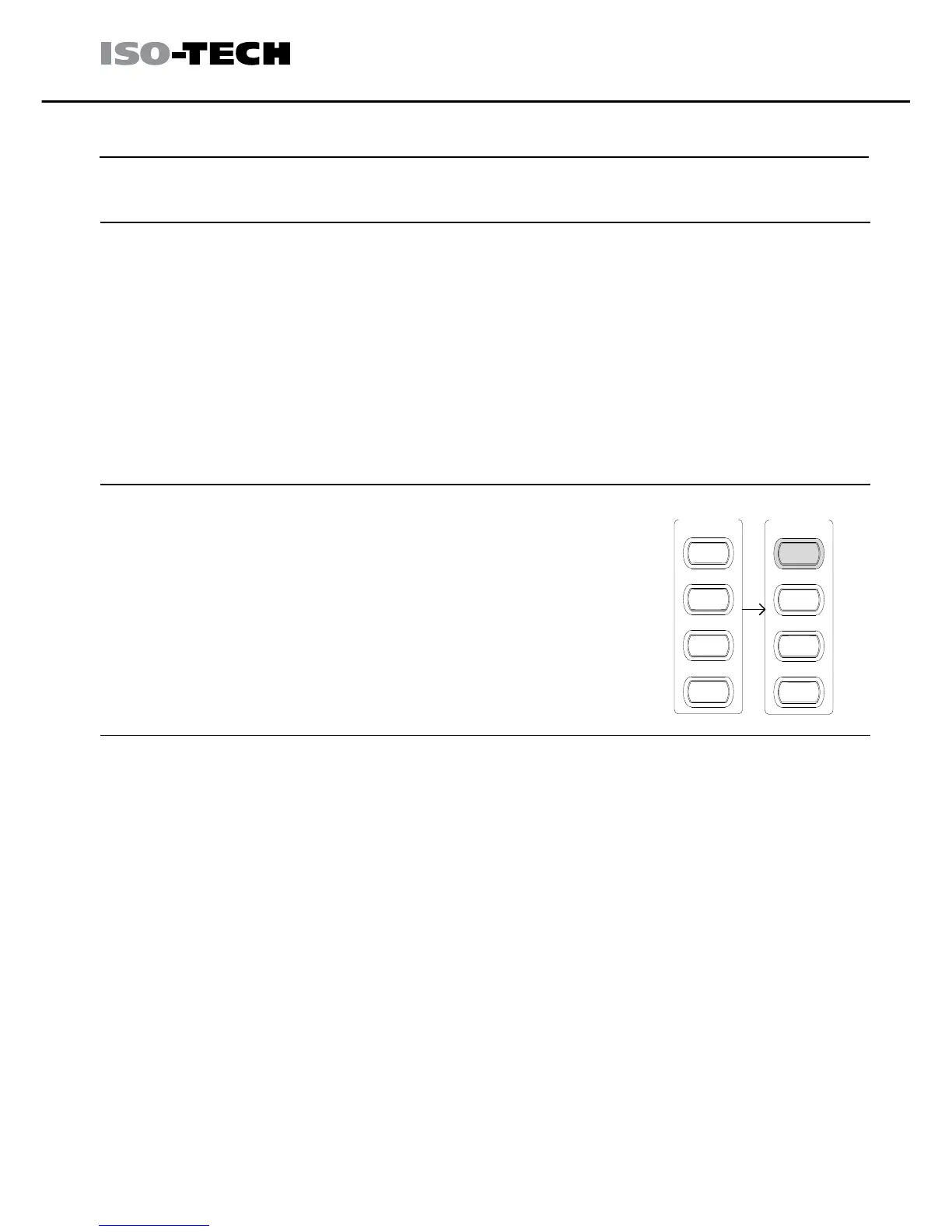
Press one of the 1 to 4 Memory keys, for
example memory 1. The panel settings saved in
memory 1 are recalled. The key LED turns on.
When the panel settings are modified, the LED
turns off.
RECALL /
MEMORY
SAVE
1
2
3
4
RECALL /
MEMORY
SAVE
1
2
3
4
When a setting is recalled, the output automatically turns off.



 To Next Page