REMOTE CONTROL
39
Remote Connection Step
Entering the
remote control
mode
1. Connect the USB cable to the slave port.
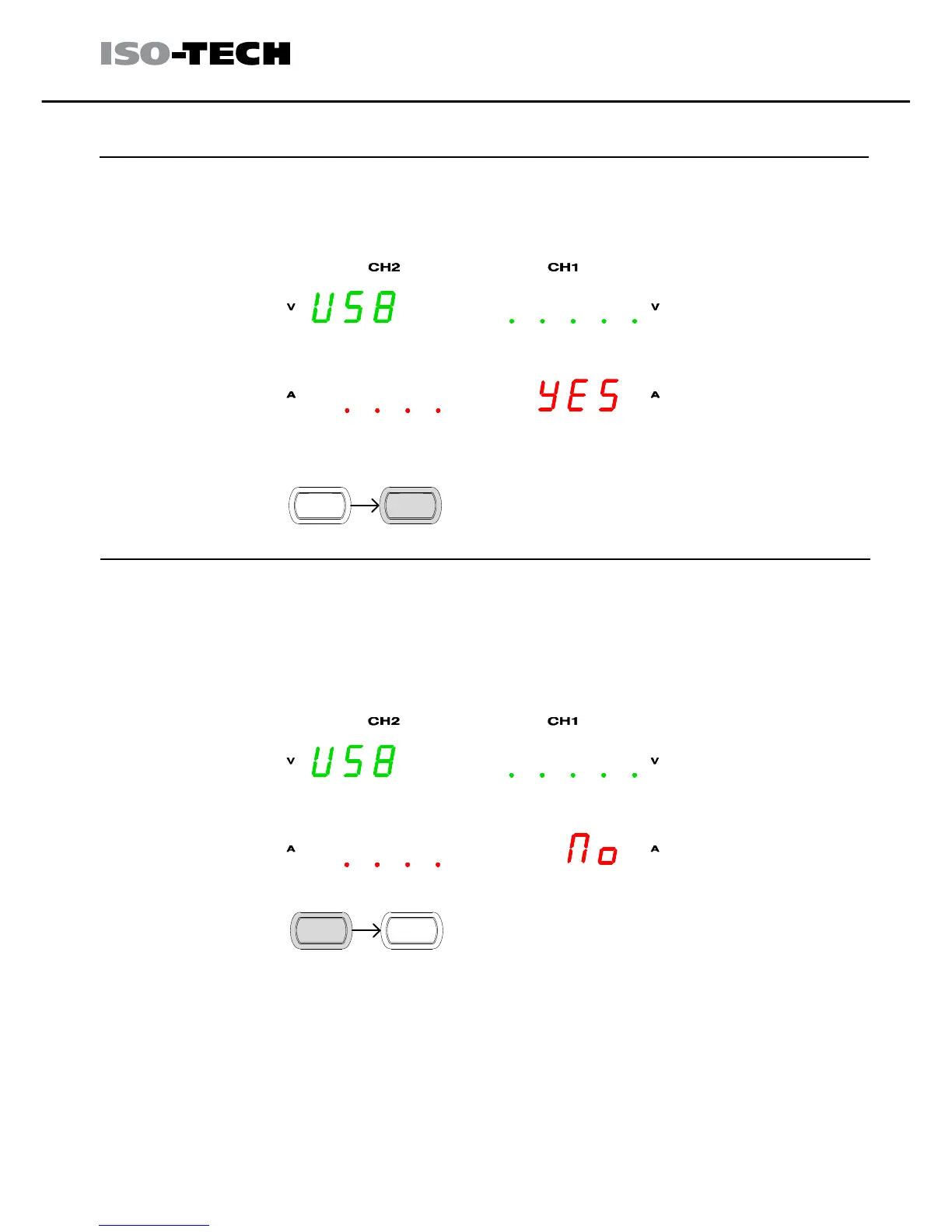
2. The connection will be automatically established, and the front panel
shows “USB…YES” message.
3. The power supply also automatically enters the lock state (the Lock
key will become activated).
Leaving the
remote control
mode
1. To exit remote mode either, 1) use the LOCAL command from the
terminal connection, or 2) Press the LOCK key on the front panel to
return to local mode, or 3) disconnect the USB cable from the rear
panel.
2. The display shows “USB…NO” message.
3. The LOCK will no longer be lit when remote mode is off.
4. The power supply goes back to the local operation mode.



 To Next Page