5.1.2 Vocal recording guidelines
To record vocals:
1. If needed, switch on the LED light
Ⓙ
2. Make sure you have connected all equipment.
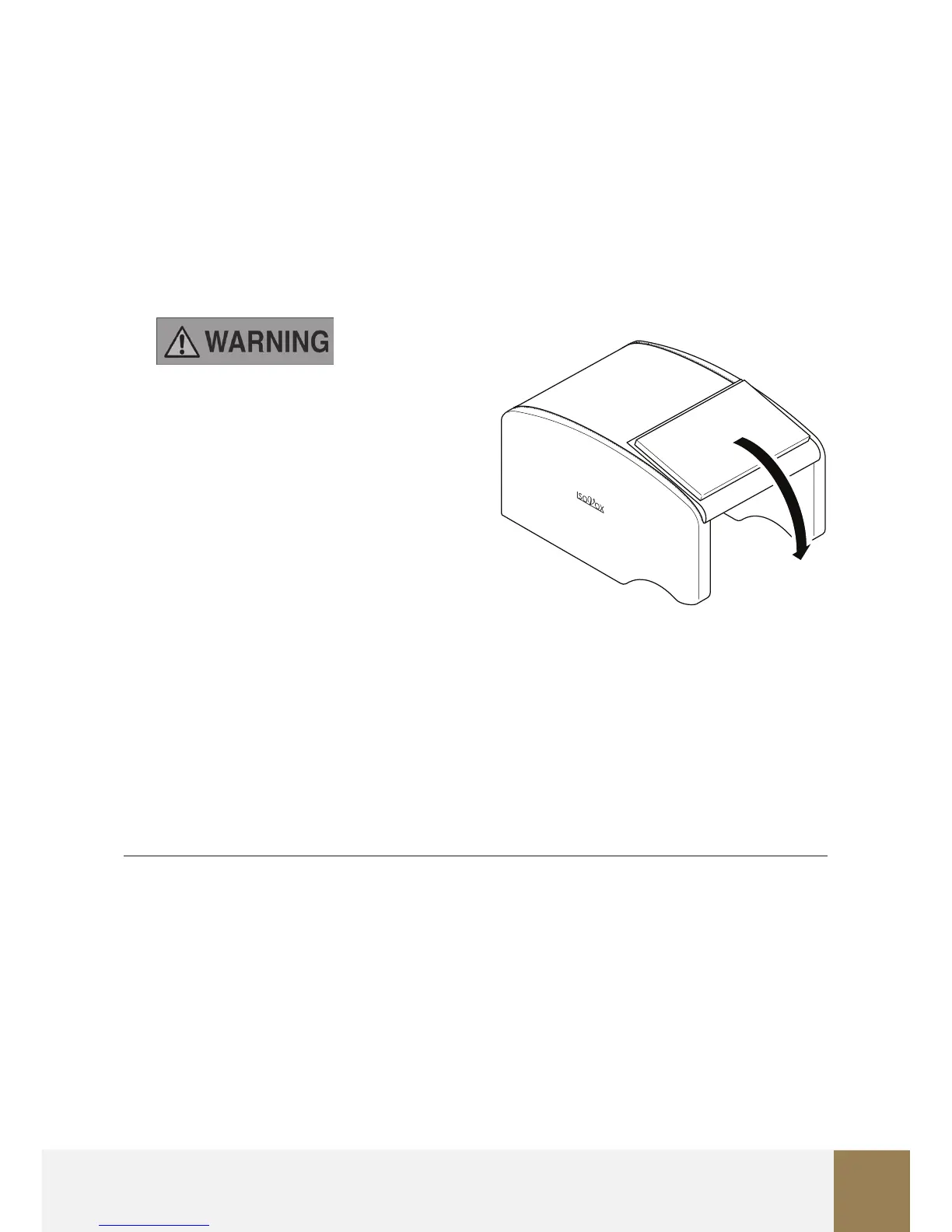
3. Close the back cover to reduce unwanted room reections and coloration from behind.
Don’t leave it closed for longer than
2 minutes. After every 2 minutes, take a
5 minute break and make sure to
properly ventilate the product. See
Ventilation of the ISOVOX 2.
4. Take your place in the ISOVOX 2 to start
recording vocals.
5.1.3 Ventilation of the ISOVOX 2
To make sure that there is enough ventilation:
1. Open a window in the room.
2. Open the back cover and wave fresh air into the cabin for 1 minute while standing
outside the cabin.
5.2 WHAT TO DO IN CASE OF DIZZINESS OR TROUBLE BREATHING
In case of dizziness or trouble breathing:
1. Immediately stop using the product.
2. Take a break for 15-30 minutes.
3. Go outside and supply fresh air.
4. Make sure to properly ventilate the room and the ISOVOX 2 cabin. See Ventilation of
the ISOVOX 2.


 To Next Page