MIC
ON
OFF
POWER
AUX
1
2
3
4
5
6
7
8
9
10
0
MIC
8
1
2
3
4
5
6
7
9
100
BASS TREBLE
2 4
6
8
10 12
OUTPUT LEVEL
PROT
FINE
IR
2
5
8
1
4
7
3
6
9
0
USB
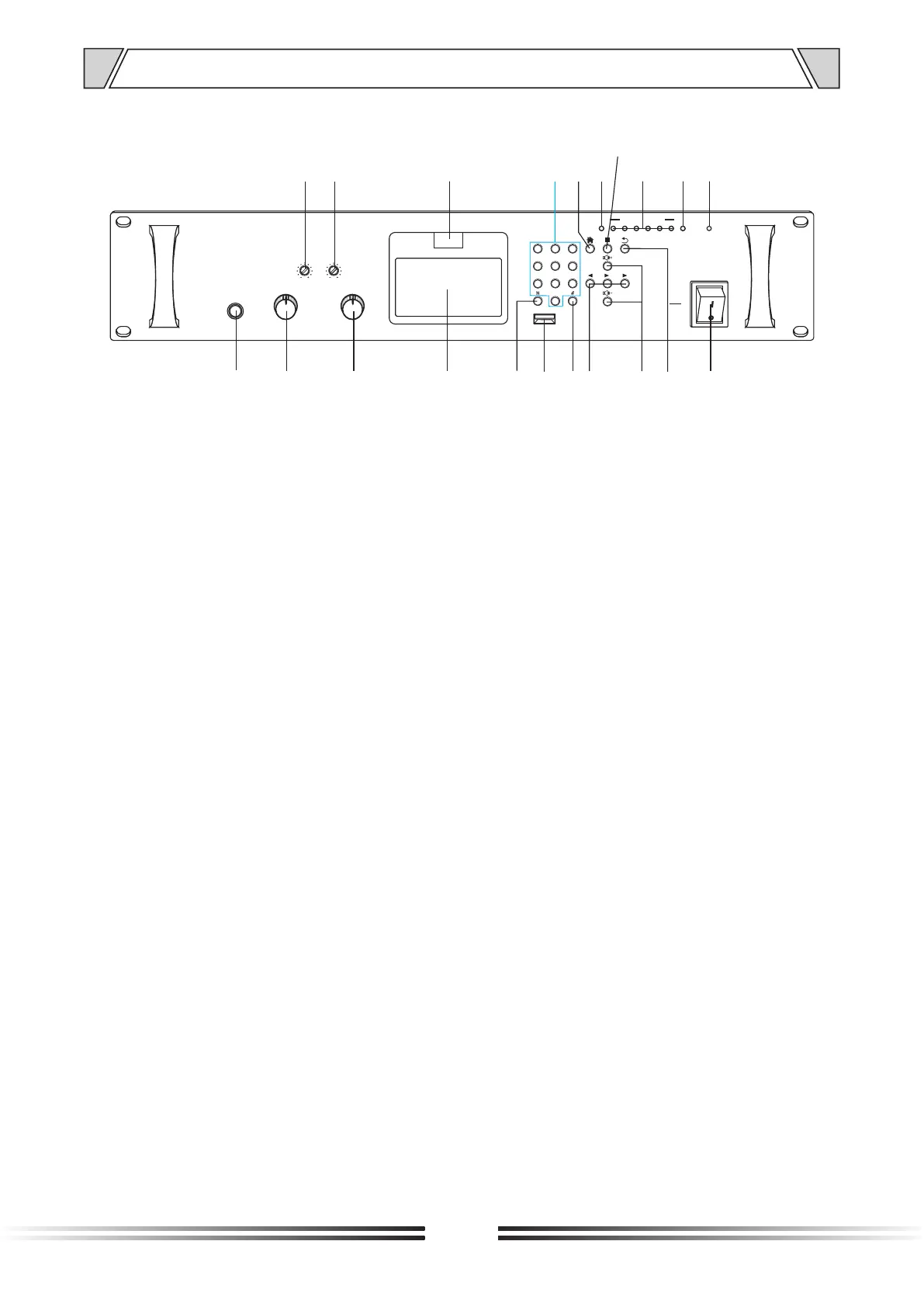
4. NOMENCLATURE AND FUCTIONS
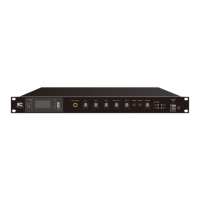
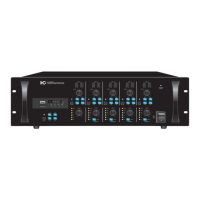
4.1 Front panel
6
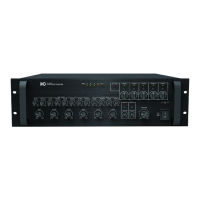
1. Local MIC input, Adopting 6.35mm MIC input interface.
2. Volume control of MIC input.
3. Volume control of AUX input.
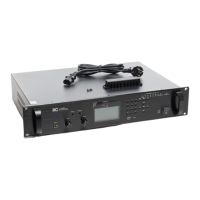
4. Working status display screen, Mainly used for showing the different status in different quests.
5. "*" key - clear the fill code.
6. USB interface - used to read the U disk to store MP3 audio signals.
7. "#" key.
8. The left/right direction keys and the pause key, their functions are as follows:
Leftward arrow key—mainly used for upward selection, if you press this key during local VOD, it
will select the last music in the music list
Rightward arrow key-mainly used for downward selection, if you press this key during local VOD,
it will select the next music in the music list
Pause-mainly used to pause.
9. Volume plus/minus key, its function is as follows:
Volume plus key—Press and hold the volume plus key. The volume can be turned up;
Volume minus key—Press and hold the volume minus key. The volume can be turned down.
10. Return key—It is mainly used to return to the previous step by pressing this key when a wrong
selection or input is made.
11. Power switch-mainly used to turn on and off the machine. When the switch is turned ON, the
machine will be turned on, and when it is turned OFF, the machine will be turned off.
12. Power indicator light—the LED light is on when the machine is turned on, and the LED is off
when the machine is turned off.
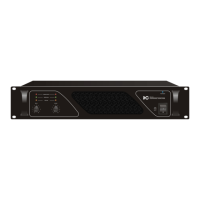
13. PROT—Protection indicator.
14. OUTPUT LEVEL—level indicator.
15. Track stop button.
16. FINE—Status indicator.
17. Main menu key-mainly used to set the corresponding function after entering the menu.
18. 0-9 number keys-mainly used for the options corresponding to the home page line, and fill in the
track number.
19. IR—Infrared receiving window.
20. TREBLE—Treble, adjust the response of the treble, rotate clockwise to increase the treble output,
and vice versa.
21. BASS—bass, adjust the bass response, turn clockwise to increase the bass output, and vice versa.
15
1
2 3
4
11
1213141619
20
21
5
6
7
8
9
10
1718


 To Next Page