EasyManua.ls Logo

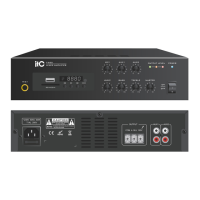
ITC T-B20 - Operation Illustrations; Power Status and Control; MIC1 Input Operation

ITC T-B20
14 pages
To Next Page IconTo Next Page
To Previous Page IconTo Previous Page
Loading...
5.OPERATION ILLUSTRATION
5.1
5.2
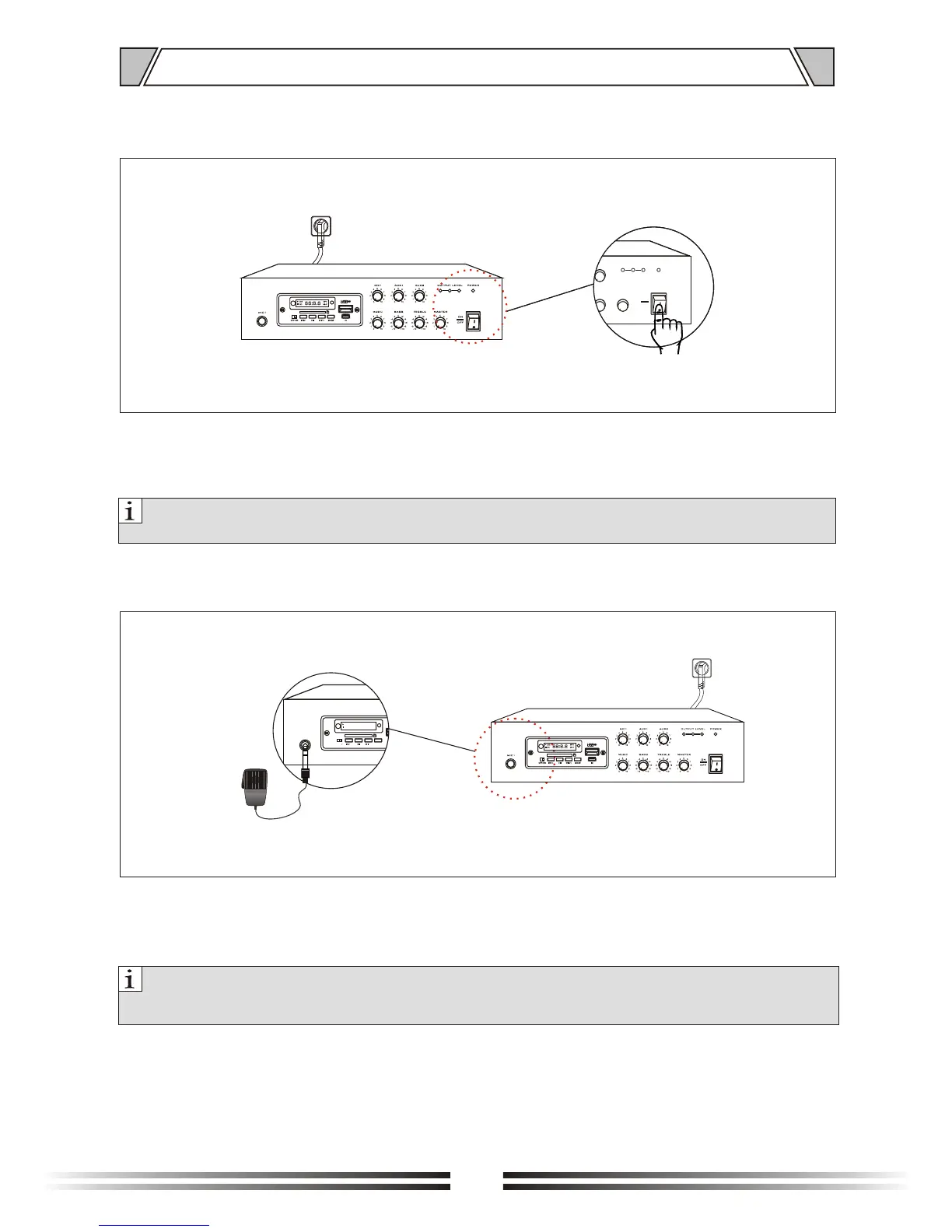
Power indication
Power switch
Figure 5.1/5.2
Note:
Need to confirm device is power on, or please contact with supplier for damage.
Figure 5.3
Note:
1. .
2. .
When mic in, but 6.3 mic is not complete in, can not paging
Before using mic in, should adjust volume to lowest level, or will come to noise
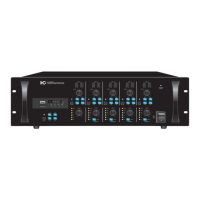
MIC1 adopt 6.3 port, when MIC1 is in, adopt with constant voltage or resistance speaker output, control
volume by knob on panel, and adjust BASS/TREBLE to reach the effect what you want.
5
.3 MIC1 input(6.3mm)
When power switch is "ON", power is on and power indication light is on(Red).
When power switch is "OFF", power is close and light is die out.
8

MIC1
5
0
1
2
3
4 6
7
8
9
10
5
0
1
2
3
4 6
7
8
9
10
5
0
1
2
3
4 6
7
8
9
10
5
0
1
2
3
4 6
7
8
9
10
5
0
1
2
3
4 6
7
8
9
10
MUSIC
ON
OFF
AUX1
MIC1
AUX2
MASTERBASS TREBLE
OUTPUT LEVEL POWER
-8
-6
-4
-2
0
+2
+4
+6
+8
+10-10
-8
-6
-4
-2
0
+2
+4
+6
+8
+10-10
USB MP3
SD MHZ
OFFON
MODE
IN
V- V+
88:8.8
MIC1
5
5
0
0
1
1
2
2
3
3
4
4
6
6
7
7
8
8
9
9
10
10
5
5
0
0
1
1
2
2
3
3
4
4
6
6
7
7
8
8
9
9
10
10
5
5
0
0
1
1
2
2
3
3
4
4
6
6
7
7
8
8
9
9
10
10
5
5
0
0
1
1
2
2
3
3
4
4
6
6
7
7
8
8
9
9
10
10
5
5
0
0
1
1
2
2
3
3
4
4
6
6
7
7
8
8
9
9
10
10
MUSICMUSIC
ONON
OFFOFF
AUX1AUX1
MIC1MIC1
AUX2AUX2
MASTERMASTERBASSBASS TREBLETREBLE
OUTPUT LEVELOUTPUT LEVEL POWERPOWER
-8-8
-6-6
-4-4
-2-2
00
+2+2
+4+4
+6+6
+8+8
+10+10-10-10
-8 -8
-6 -6
-4 -4
-2-2
00
+2 +2
+4+4
+6+6
+8+8
+10 +10-10-10
USB
MP3
SD
MHZ
OFFON
MODE
IN
V- V+
88:8.8

Related product manuals