Installation ITherm™ POSjet™ BANKjet™ Programmer's Guide
Ethernet Adapter
Page 12 Rev C Apr-04
Installation
If the Wired Ethernet Adapter came installed in the printer, skip directly to Printer Connection.
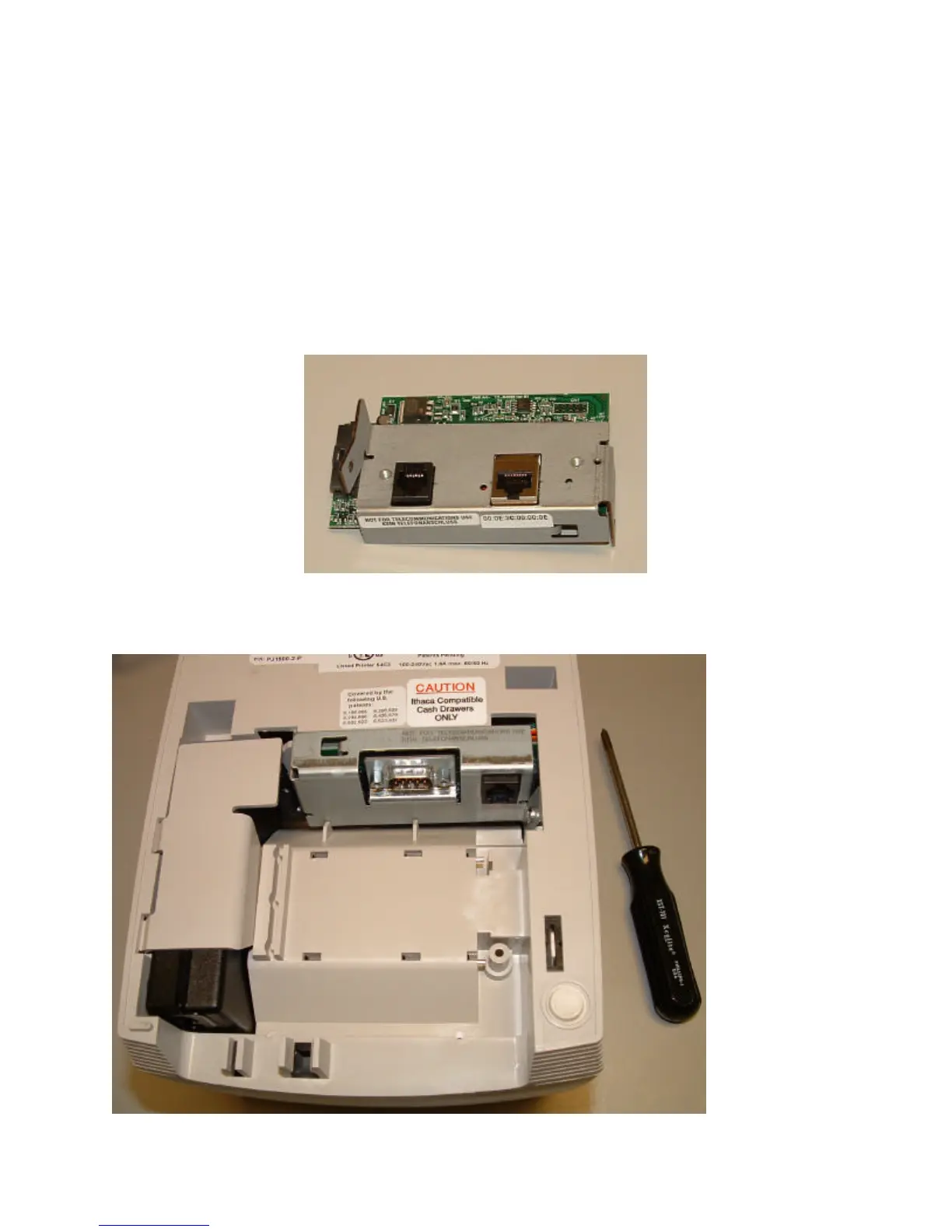
POSjet and BANKjet adapter Installation
The POSjet and BANKjet adapters require that the power supply be removed before the adapter
can be removed. Follow the following sequence to replace the current adapter with the Wired
Ethernet adapter.
Figure 1 POSjet and BANKjet Ethernet adapter
1. Disconnect all cables from the printer.



 To Next Page