Configuration ITherm™ POSjet™ BANKjet™ Programmer's Guide
Ethernet Adapter
Page 22 Rev C Apr-04
Using a Web Browser
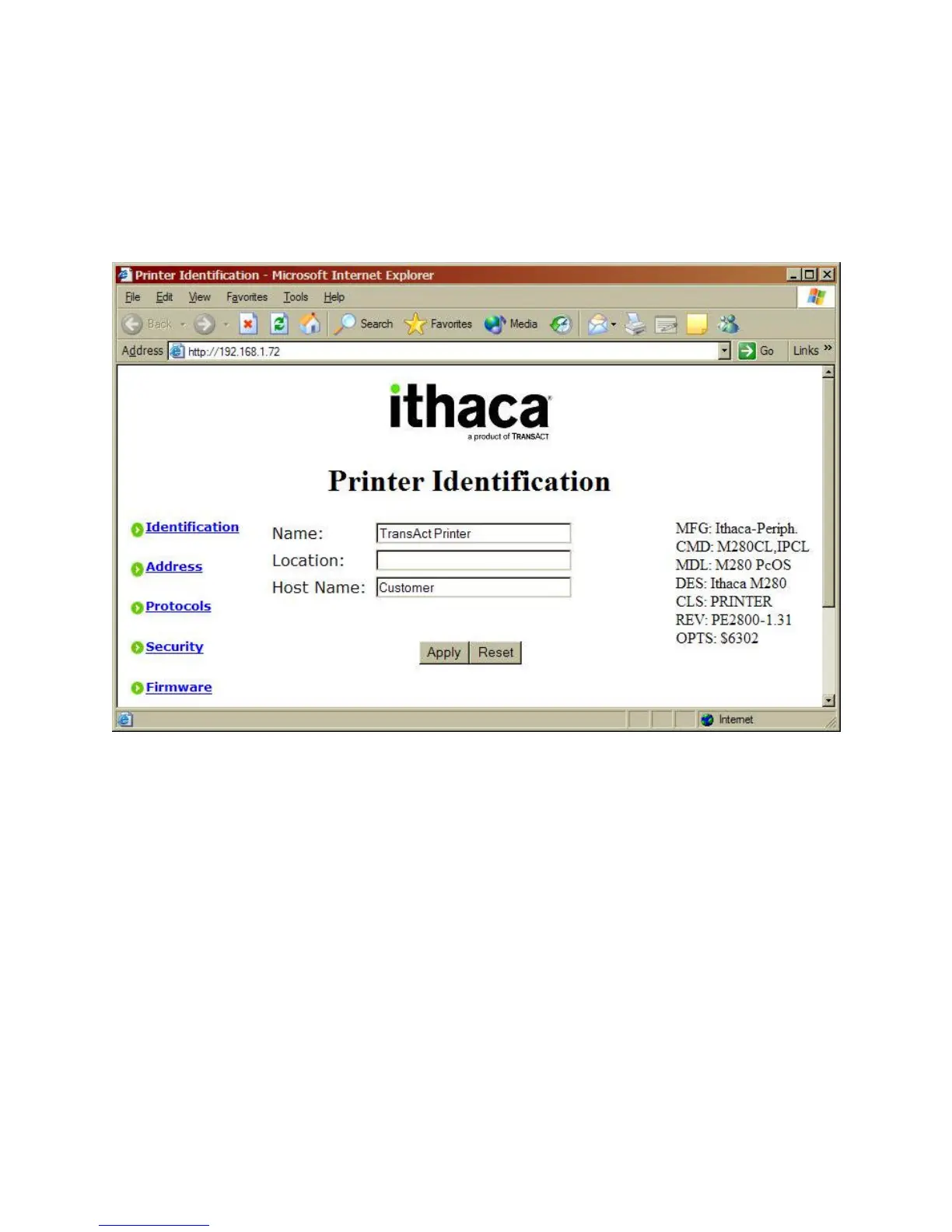
Using a web browser enter the IP address of the printer in the browser’s Address box. The
Printers IP address will be printed at power up b the printer.
Figure 7 Printer Identification
The following web pages are available to configure the Wired Ethernet Adapter:
Identification This page maintains names associate with the printer and
helpful for network management.
Address This page defines the printer’s address on the network.
Protocols This page defines which standard protocols the adapter will
use to communication with the network computers.
Security This pages provides a means to protect the Wired Ethernet
Adapter’s configuration from inadvertent change.
Firmware Provides the means to update the firmware in the Wired
Ethernet Adapter as it is made available from TransAct.



 To Next Page