Programmer’s Guide ITherm™ POSjet™ BANKjet™ Configuration
Ethernet Adapter
Apr-04 Rev C Page 25
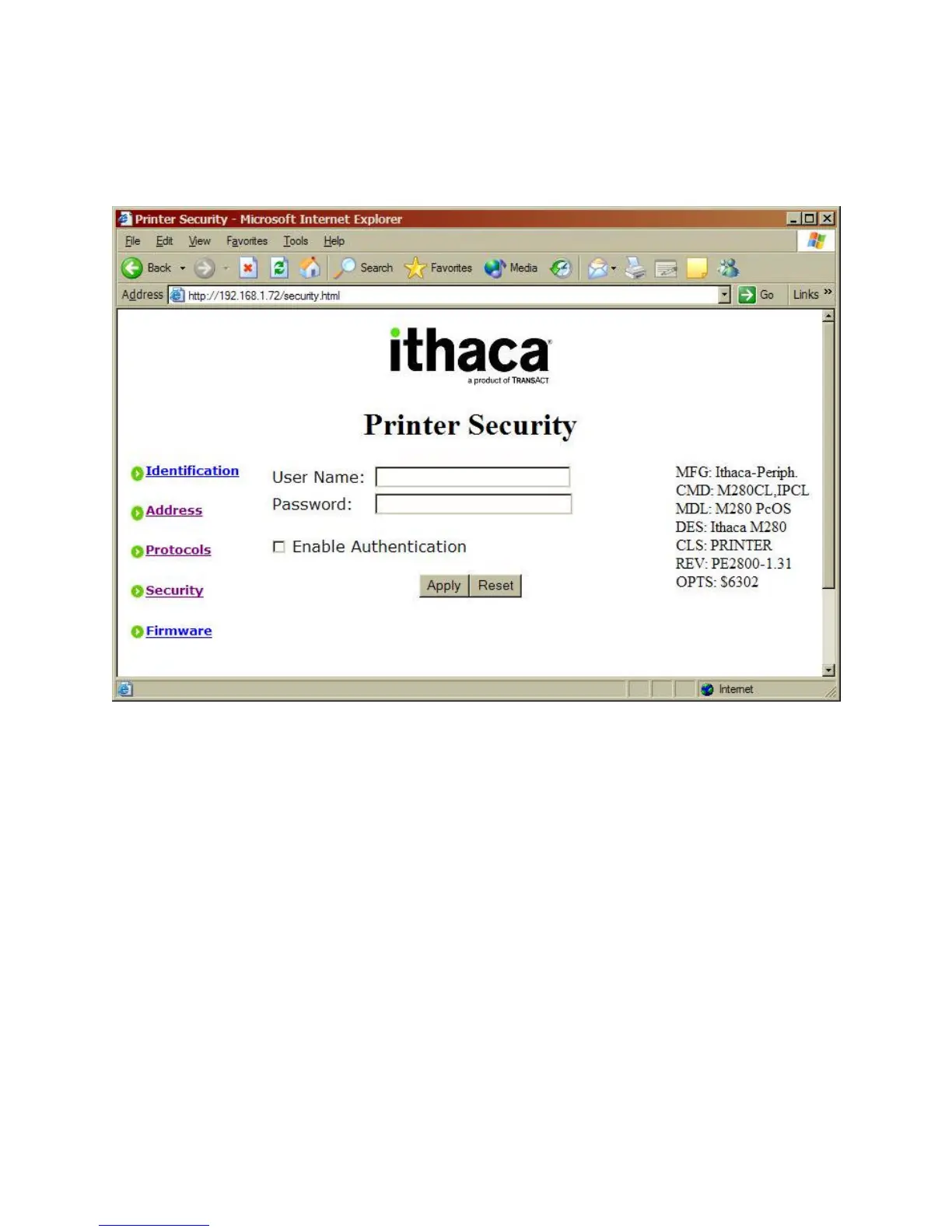
Printer Security Page
Figure 10 Printer Security
The Printer Security page allows the configuration of the Wired Ethernet Adapter to be protected
from accidental change by a password. By default, a user name and password are not necessary
to modify the Wired Ethernet Adapter configuration. However, it is recommended that upon
completion of the configuration that a username and password be assigned to the adapter to
minimize the possibility of an unauthorized person changing the configuration.
When the username and password have been enabled, users will be prompted to supply the
username and password before allowing access to the configuration pages.
The Enable Authentication box must be checked in order for the username and password to take
effect.
When you are satisfied with the values entered, press the Apply button to save the values. These
values will take effect immediately and if authentication has been enabled, further access to the
configuration web pages will require correct entry of the username and password.
NOTE: This security will be bypassed by the locator program.



 To Next Page