Configuration ITherm™ POSjet™ BANKjet™ Programmer's Guide
Ethernet Adapter
Page 20 Rev C Apr-04
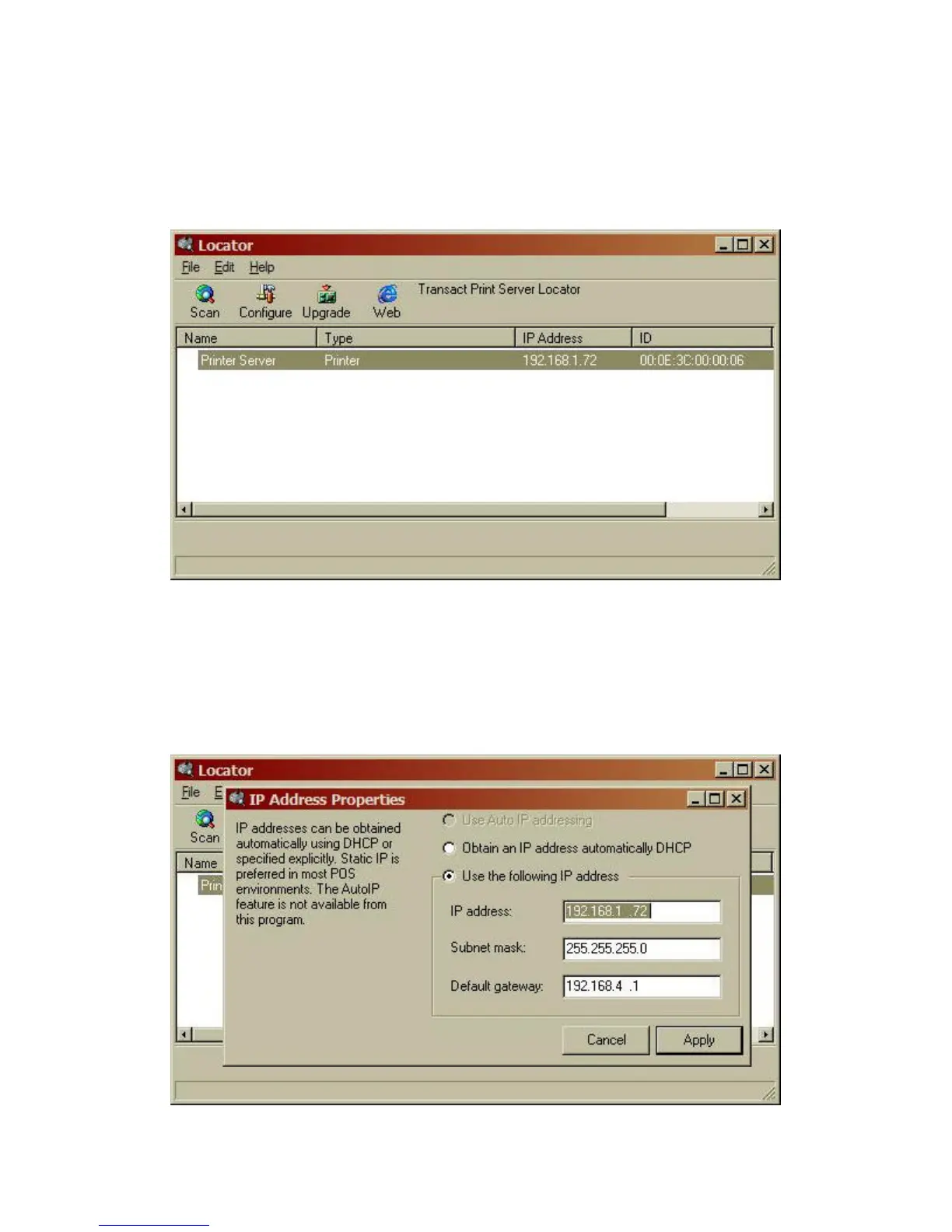
Locator will scan the local subnet and locate any TransAct printers connected to the network.
When all printers are found, you may select a printer by clicking on any printer in the list.
Figure 4 Locator Device Selection
Once selected the Adapter can be configured, upgraded, or you can activate your web browser to
configure the printer.
To configure the printer directly form the Locator program, click the Configure button. NOTE:
the locator program bypasses the printer security features. This program should only be made
available during setup and installation.



 To Next Page