Programmer’s Guide ITherm™ POSjet™ BANKjet™ Installation
Ethernet Adapter
Apr-04 Rev C Page 15
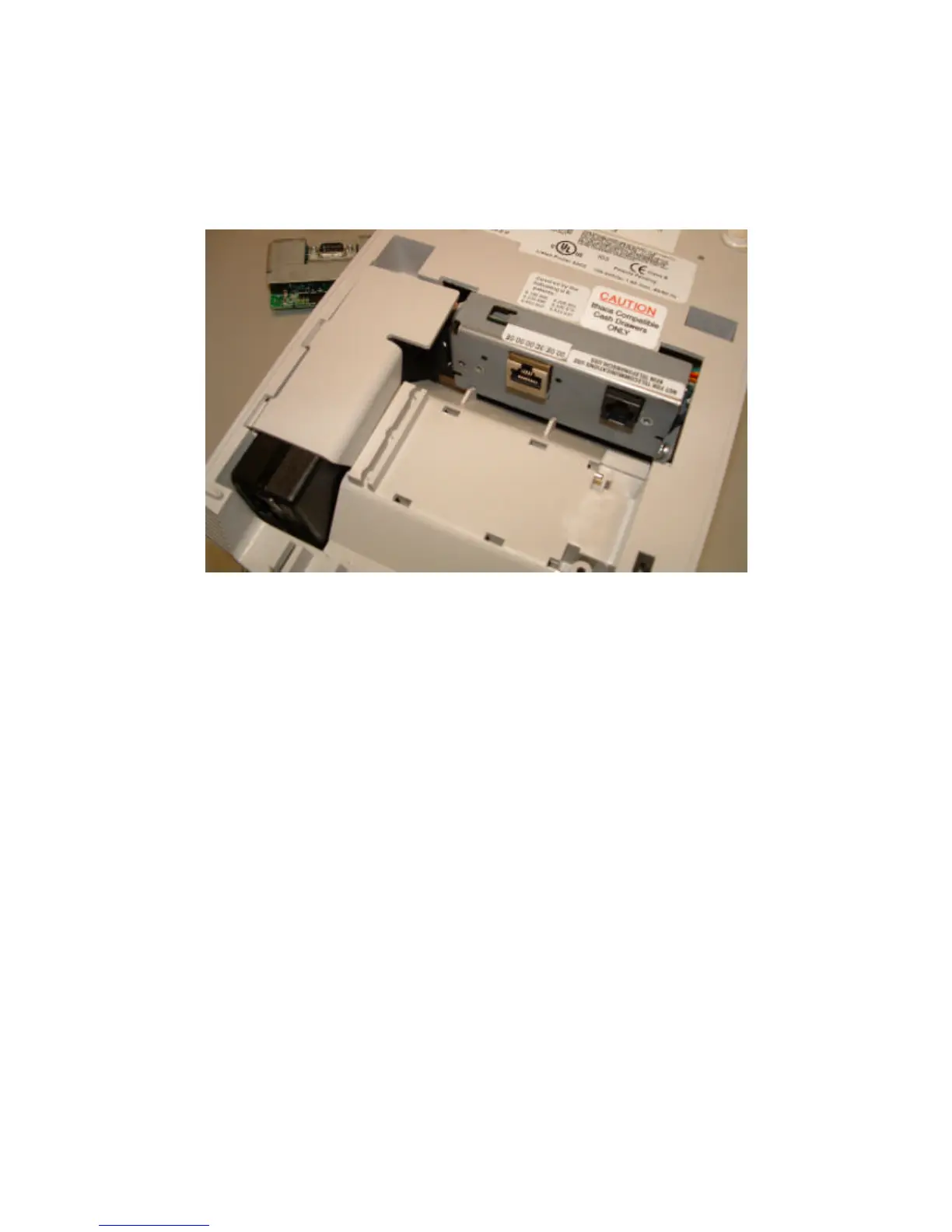
8. Connect and install the power supply.
9. Snap the retaining clip back over the power supply.
10. If the Cash Drawer label does not indicate that the printer is equipped with an Ithaca
Compatible interface, remove the label and install an Ithaca Compatible label as shown
above.
11. Reconnect the power, and install the Ethernet cable.



 To Next Page