BLUETOOTH CONNECTION
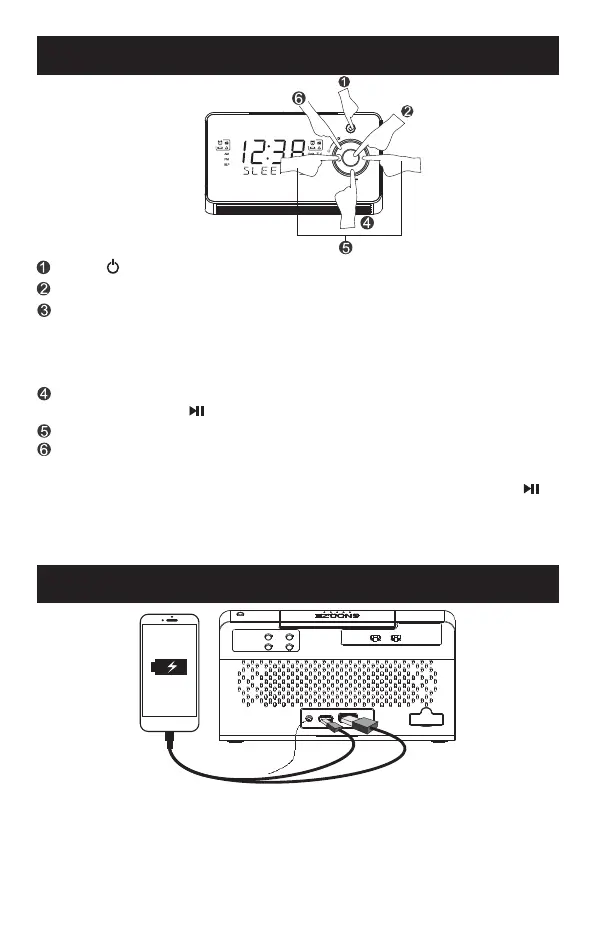
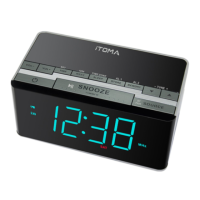
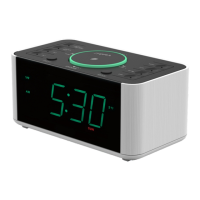
Press " " button to turn on the clock radio.
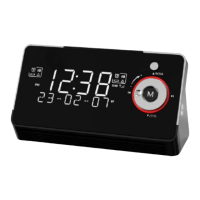
Press "M" button to switch to Bluetooth (BT) connection.
When the "BT" indicator blinks, the clock is searching for Bluetooth
connection. Please turn on the Bluetooth of your external audio device
and look for 729 for connecting. Once connected, the "BT" indicator stops
blinking. Then you can play music from your external audio device through
the clock speaker.
You can control the music playing either on your external audio device
or by pressing "BT " button on your clock to play or pause music.
Press "TUNE+" or "TUNE-" to play music forwards.
Circulate the silver rotating knob to adjust the volume.
- 11 -
USB FOR CHARGING
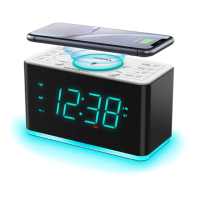
This clock has two USB charging port in the back, include a TYPE-C port,
which can provide up to 5V 2.1A to charge devices like smart phones, tablet
etc. via a USB cable(not provided).
Note:Electrical energy draw from the USB port may vary due to different
charging cable condition,battery characteristic or power management
systerm of your device being charged.
Note: If pairing unsuccessful, all previously paired Bluetooth devices
around should be disconnected first by pressing and holding the "BT "
button until it prompts, or turn Off their Bluetooth connection, in order to
avoid making any auto reconnection between them. Then, set this unit to
Bluetooth mode, and tap the Bluetooth switch on your phone/device Off
and back "ON" again to refresh/search any nearby 729 for pairing.
M
MENU/ INFO
SCAN/
SET
AL1
AL2
PRESET
SELECT
AL1
OFF
AL2
ON OFFON


 To Next Page