- 8 -
English
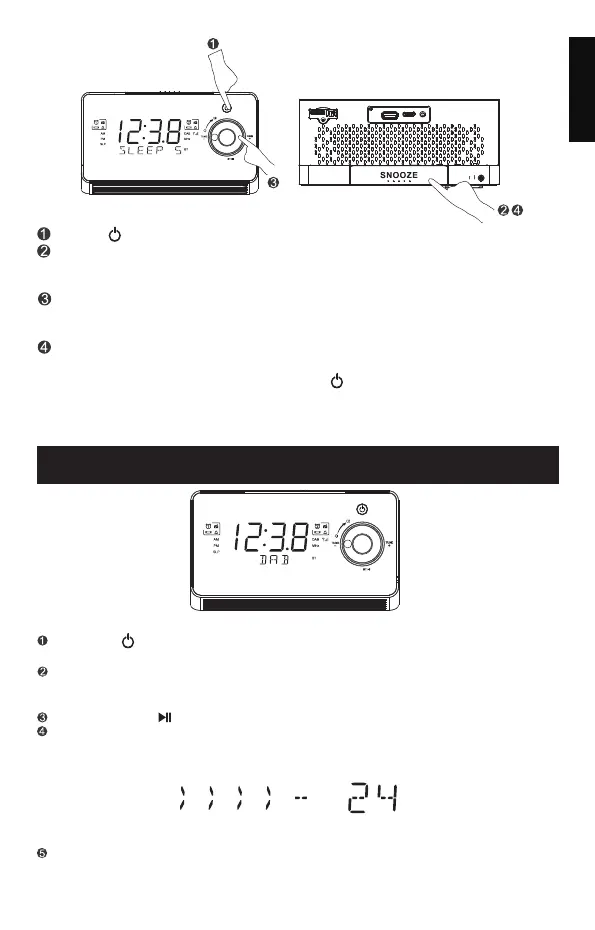
Press " " to turn on the FM or DAB radio.
Press and hold the”SLEEP/DIMMER” button, then the "SLP" digits will
appear on the display which indicates the sleep timer has been set
for 5 minutes.
To change the sleep timer duration, press "TUNE-" or "TUNE+" button
until your desired duration appears,then press"SELECT" button to store
your selection.
To deactive the Sleep timer,keep pressing "SLEEP/DIMMER" button
until the display shows :"SLEEP 5", then press "TUNE-" or "TUNE+" until
"OFF" appears on the display,or pess " " to turn off the sleep timer
directly.
Note: When setting the Sleep Timer successfully, the indicator " "SLP shows
on the display and it appears on the screen untill the sleeping time ends.
PLAYING THE DAB RADIO
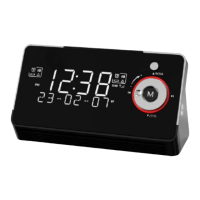
Press the " " button to turn on the clock radio, and press the "M"button to switch
to the DAB radio mode.The "DAB"will appear on the display.
Press"SCAN/BT " to start an auto scan.
When the scanning is completed, the first station will be selected.The clock
will automatically set to the current time.
Press "TUNE-"or "TUNE+" to select the available stations, and press the
"SELECT" to confirm the desired station.
If this is the first time this unit goes into DAB Mode, it will automatically start
an "Auto Scan" to search for available stations.(Once DAB mode has been
used before, the horizon will automatically select the previously played station.)
Operate your DAB radio
M
MENU/ INFO
SCAN/
LED
DIM MER
SLE EP
M
MENU/ INFO
SCAN/


 To Next Page