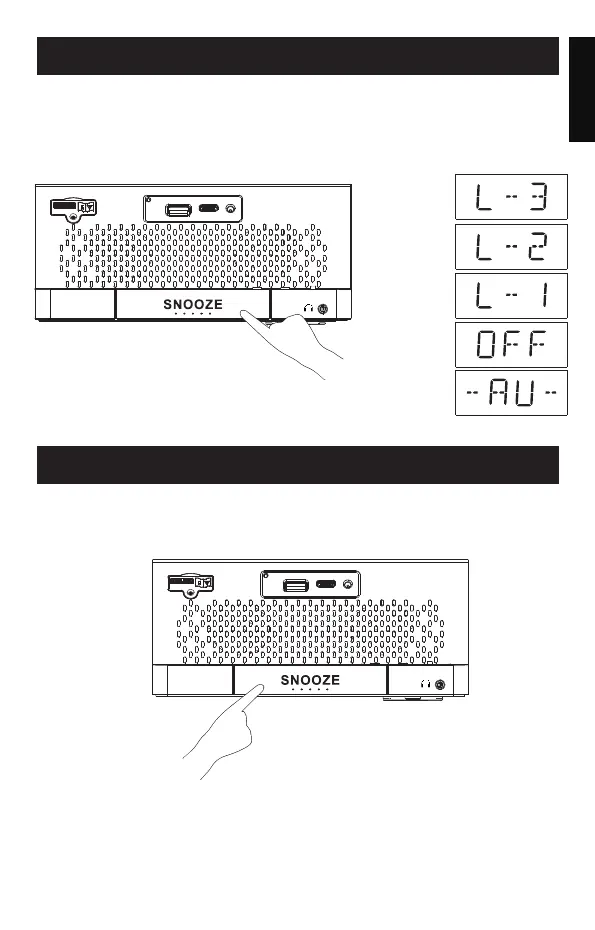
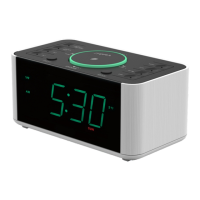
DIMMER CONTROL
To adjust the display brightness, press "SLEEP/DIMMER" buttonuntil your
desired brightness level appears. Brightness is available in 5 levels and
can be adjusted even when the radio or Bluetooth connection is in use.
- 10 -
Press “SLEEP/DIMMER”button,you can adjust the brightness level
as below:
English
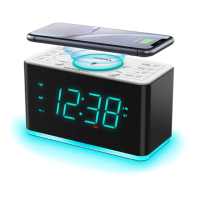
2-LEVEL LED DECOR
Press "LED" button to turn the night light on/(high/low)of off
if needed.
LE D
DI MM ER
SL EE P
Highlighted
Medium
Low dark
Automatic
recognition brightness
OFF
LE D
DI MM ER
SL EE P


 To Next Page