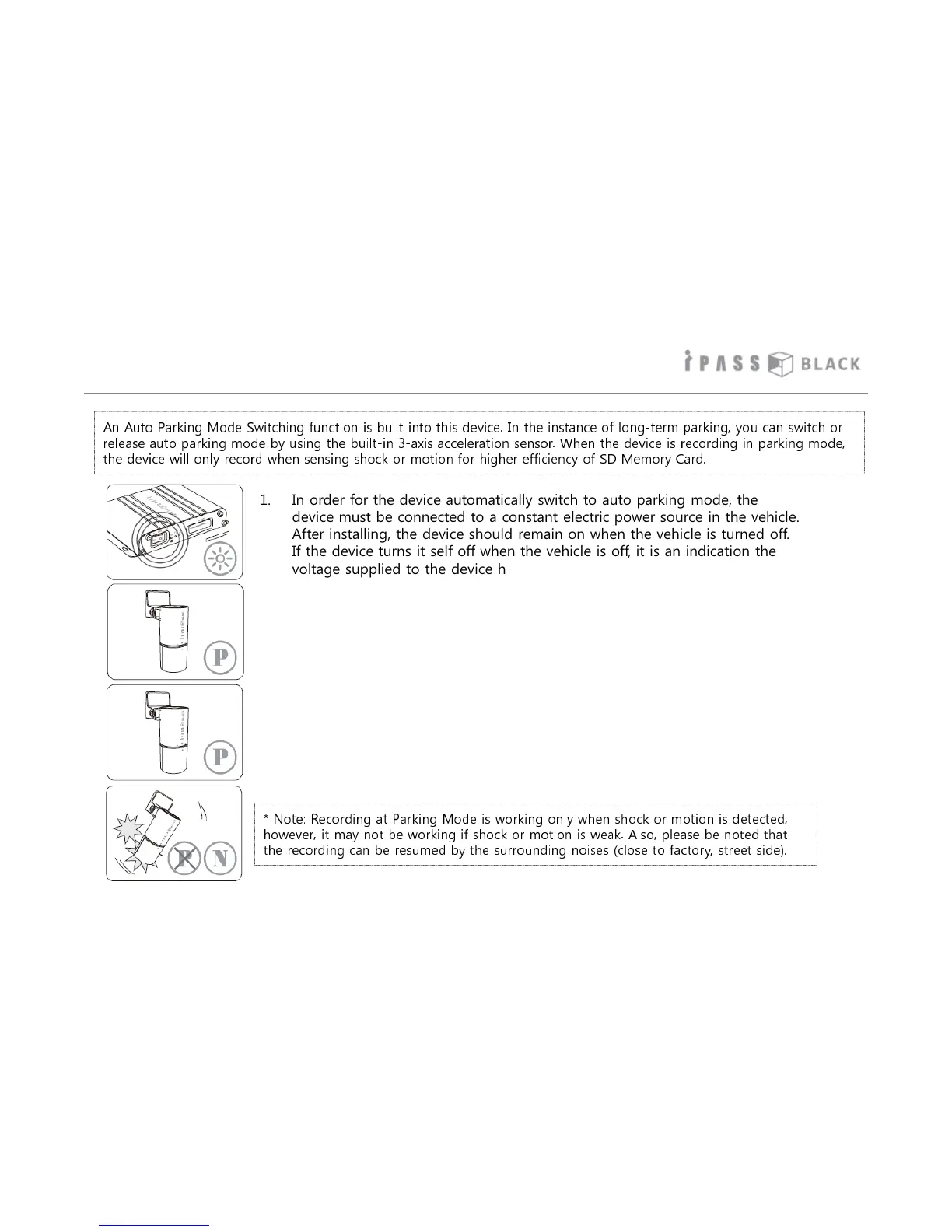
Operation of Auto Parking Mode
17
An Auto Parking Mode Switching function is built into this device. In the instance of long-term parking, you can switch or
release auto parking mode by using the built-in 3-axis acceleration sensor. When the device is recording in parking mode,
the device will only record when sensing shock or motion for higher efficiency of SD Memory Card.
1. In order for the device automatically switch to auto parking mode, the
device must be connected to a constant electric power source in the vehicle.
After installing, the device should remain on when the vehicle is turned off.
If the device turns it self off when the vehicle is off, it is an indication the
voltage supplied to the device has dropped.
2. The device automatically switches to auto parking mode if the vehicle
doesn’t move while idling or has come to a stop for more than 5 minutes
subject to the device setting has enabled the auto parking mode option.
3. When entering auto parking mode, the LED indicator of camera is changed
to a red color, once auto parking mode is activated recording will resume
when motion or shock is detected by the camera’s in built g sensor.
4. If the motion by the vehicle is detected, the device will automatically turn
off auto parking mode and return back to normal recording mode.
* Note: Recording at Parking Mode is working only when shock or motion is detected,
however, it may not be working if shock or motion is weak. Also, please be noted that
the recording can be resumed by the surrounding noises (close to factory, street side).



 To Next Page