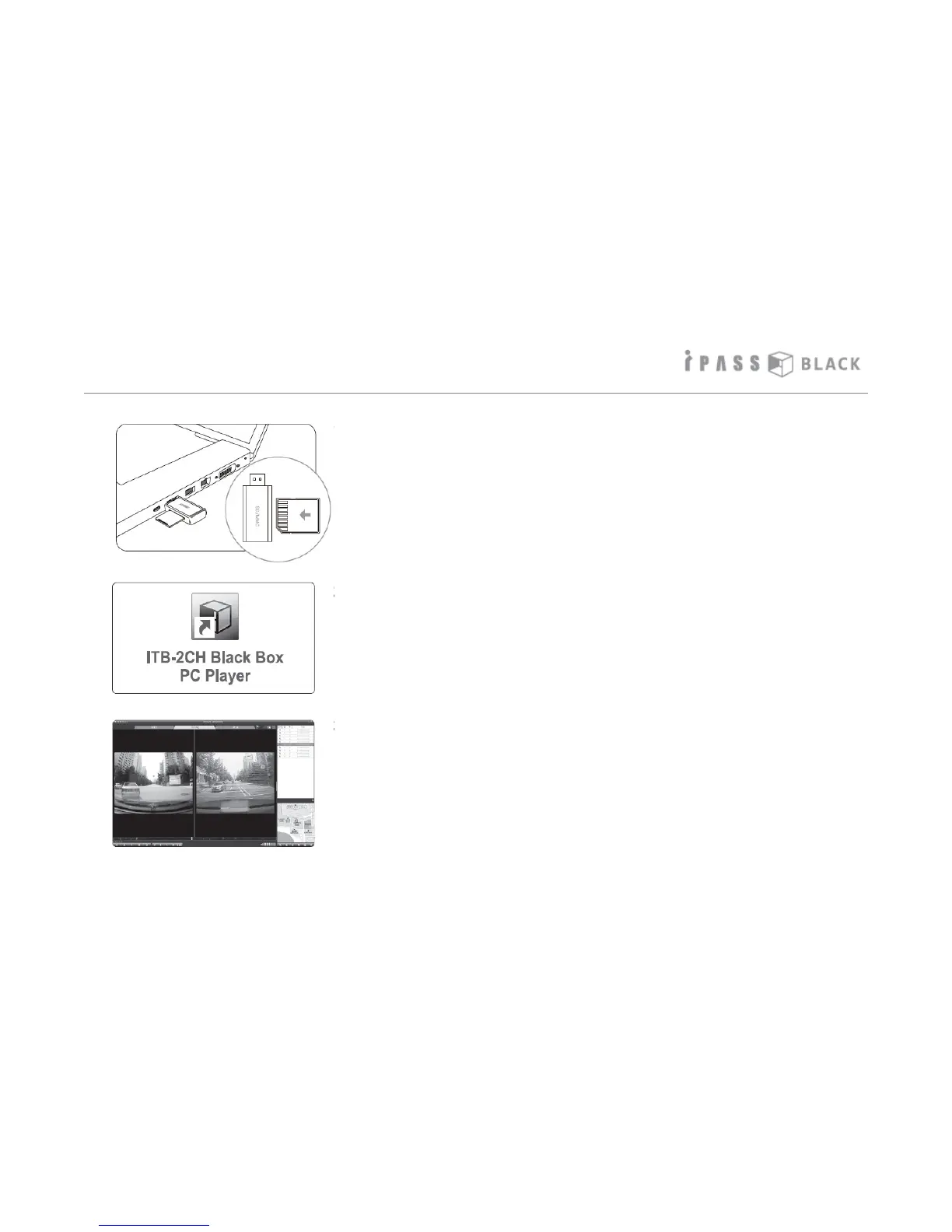
How to play the Video
1. Pull out the SD memory card from the main unit and insert it
into the memory card reader as shown on the left picture. Then
put the memory card reader into the USB port of the PC.
2. Click on the shortcut icon of the PC player.
3. The program will now start and the footage will be viewable on
the ITB PC player program..
21



 To Next Page