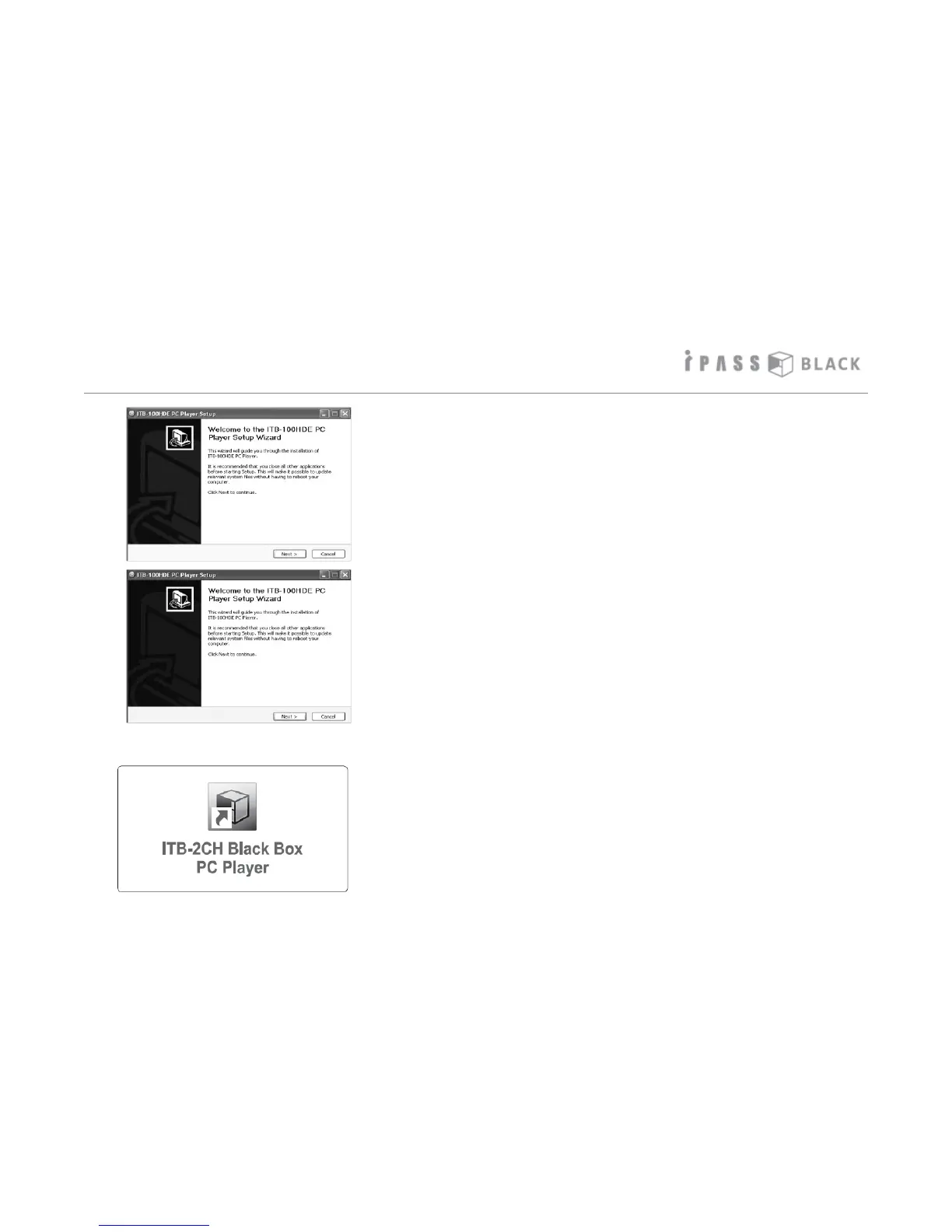
Installation of the PC player
3. Once you have the PC player installation file located.
Open and run the program and click Ok or Yes to allow
the installation to start.
4. Follow the prompts and allow the program to install the
files onto your computer. Once completed click the
finish button.
5. If the shortcut icon appears on desktop screen, the
installation has been completed.
20



 To Next Page