40
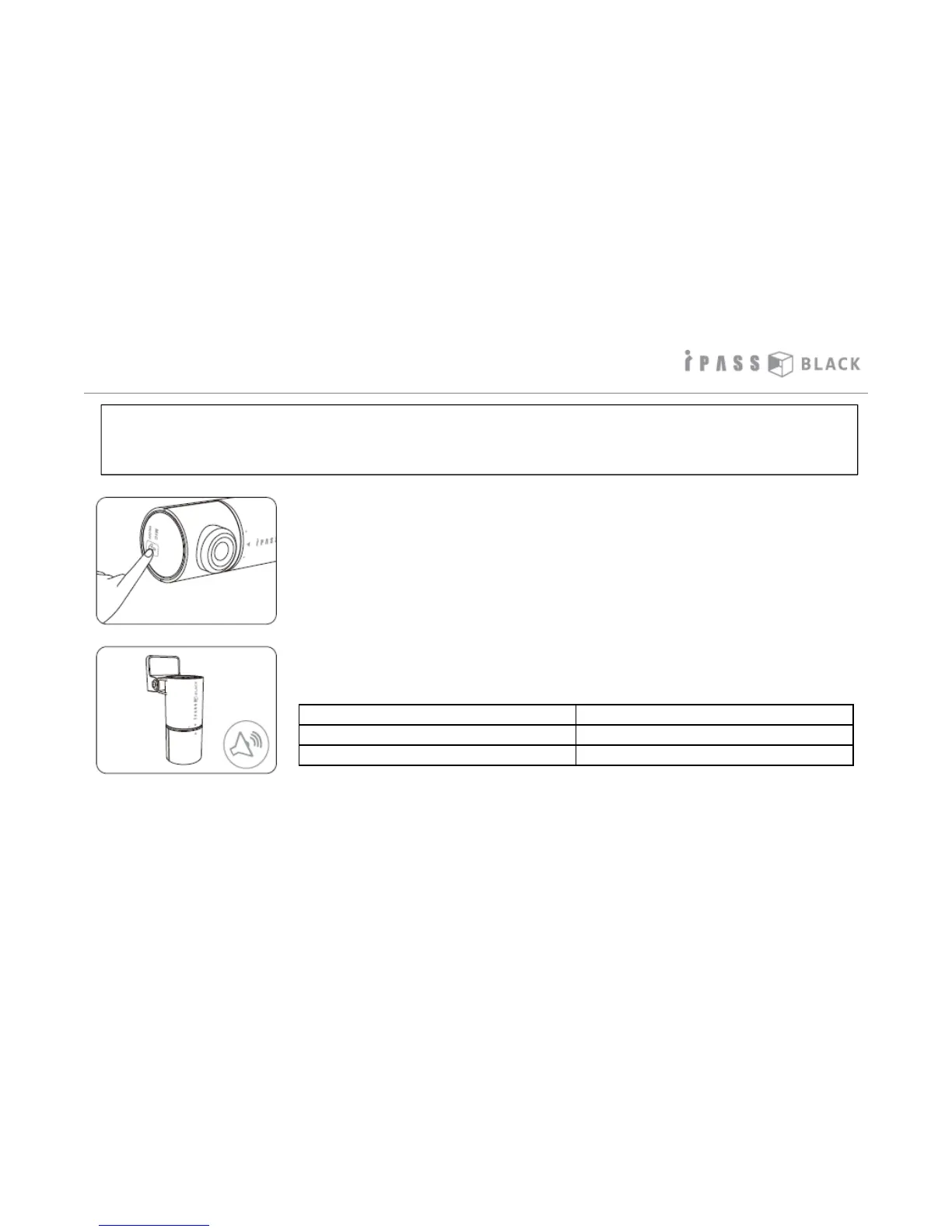
Setting Audio Recording On/Off
*As this product has a built-in microphone, in case of privacy invasion when recording voice of
people inside the vehicle, you can easily change the setting of audio recording in the vehicle.
For more details, please refer to the informaiton below.
Beep sounds Voice Recording Status
2 scales ( low -> high) On
2 scales ( high -> low) Off
1. Press Microphone On/Off button at the bottom of the
front camera short.
2. Beep sounds indicates Voice Recording Status.



 To Next Page