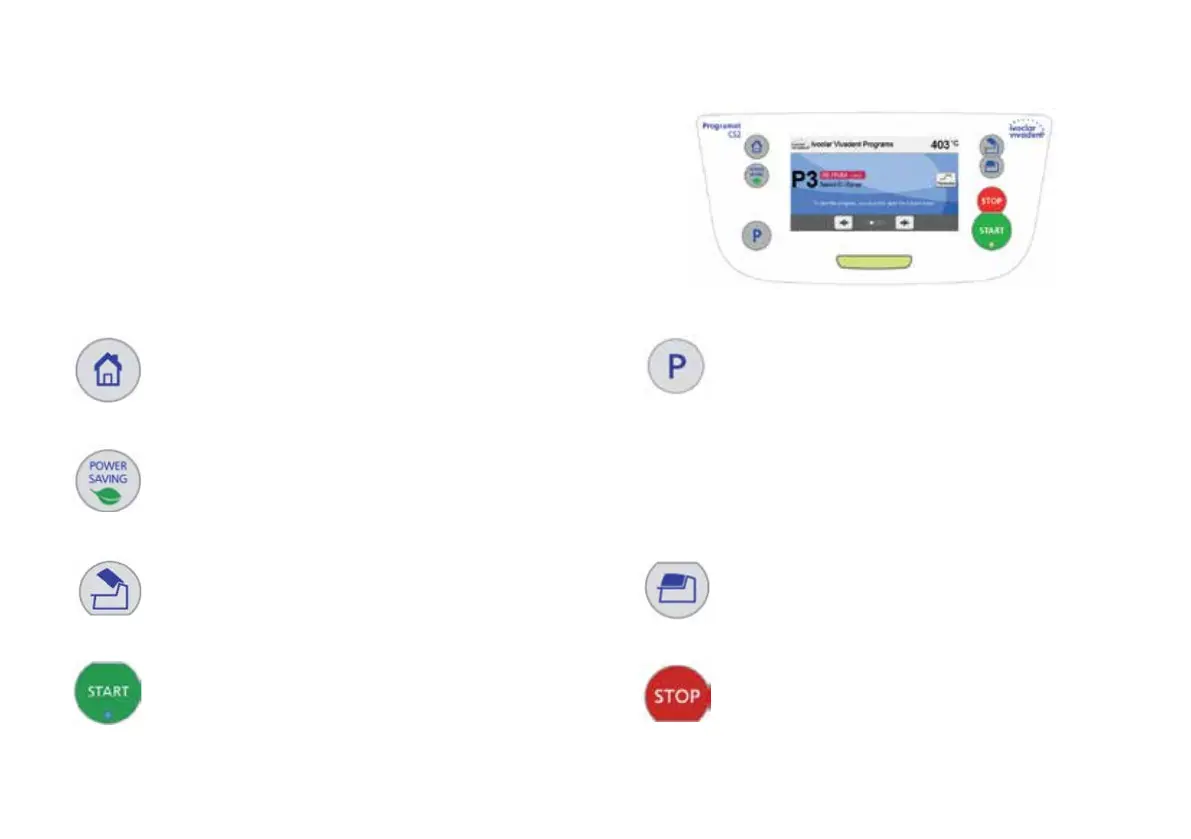
2. User interface
The Programat CS2 has a wide-screen colour display. The keypad and the touch
screen allow user-friendly handling. By tapping slightly with your fingertips
on the touch screen, the buttons are activated and the furnace performs the
requested function.
Keypad:
Home
Returning to «Home» screen (main menu)
Program key
Pressing once: The currently selected program is
displayed.
Pressing twice:
The program selection via number entry is accessed.
Power-saving key
This key activates the power-saving function.
Open furnace head Close furnace head
START (Start LED)
Starts the selected program. The green LED indicates that a pro-
gram is running. If the program is paused (1 x STOP), the Start LED
flashes until renewed pressing of START results in the program being
resumed.
STOP
A running program can be paused by pressing the STOP
key and terminated by pressing the key twice. Movement
of the furnace head can be stopped at any time by pres-
sing STOP. Acoustic signals can be turned off by pressing
the STOP key.















 To Next Page