16
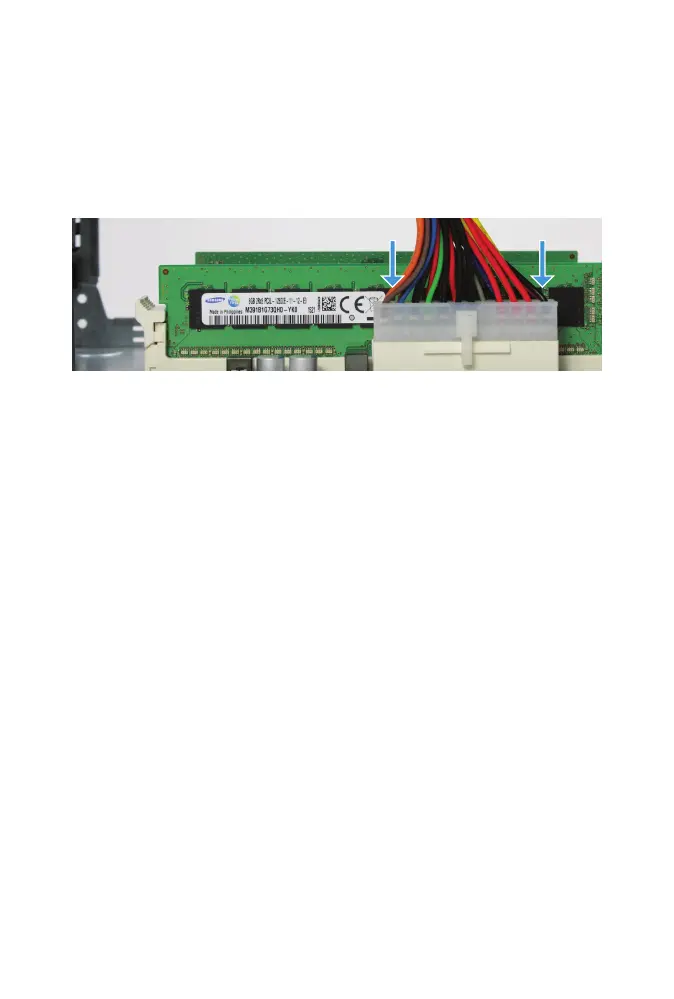
POWER SUPPLY CONNECTION
Reconnect the motherboard power supply connector. Press down rmly
with both hands until fully seated and latch is closed.
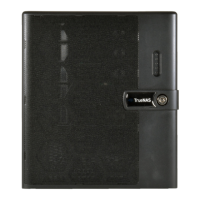
CLOSING THE FREENAS MINI CASE
Replacing the case is the opposite of removal. Slide the case back on, being
careful not to pinch any cables. Replace the four thumbscrews in the back.



 To Next Page