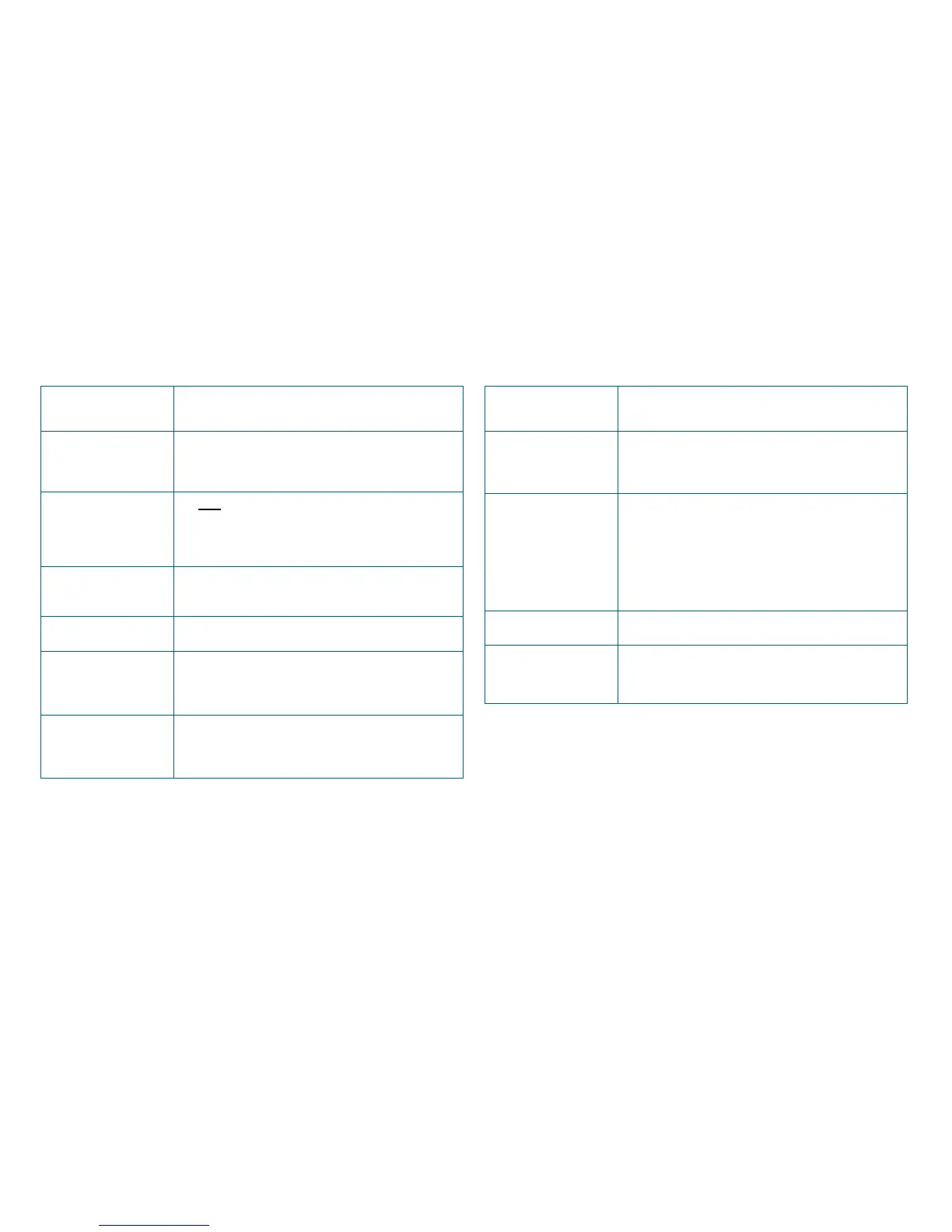
1.16 iZone 325 - Wiring connection to AC units
Unit Make Connection
Panasonic Take the A / B control wire from the fan coil
unit and connect it to the AC Unit Control
Cable on the C225 / C325P
Samsung Take the F3 / F4 control wire from the fan coil
unit and connect it to the AC Unit Control
Cable on the C225 / C325S. This connection
requires the correct polarity. See detailed
instructions on 1.19 page 23
Temperzone See detailed instructions on 1.18 page 22
Toshiba Take the A / B control wire from the fan coil
unit and connect it to the AC Unit Control
Cable on the C225 / C325T
!
Unit Make Connection
Daikin Take the P1 / P2 control wire from the fan coil
unit and connect it to the iZone C225 /
C325D
Fujitsu Do not connect the 12V wire to the iZone
(Usually Red). Connect the black and white
wires from the fan coil unit to iZone C225 /
C325F
Hitachi Take the A / B control wire from the fan coil
unit and connect it to the iZone C225 / C325D
LG See detailed instructions on 1.17 page 21
Mitsubishi Electric Take the Remote Controller (A / B) control
wire from the fan coil unit and connect it to the
AC Unit Control Cable on the C225 / C325M
MHI Take the Remote Controller wire from the fan
coil unit and connect it to the AC Unit Control
Cable on the C225 / C325MHI



 To Next Page