2.0 System initialisation
All new or modified systems must be initialised prior to system configuration.
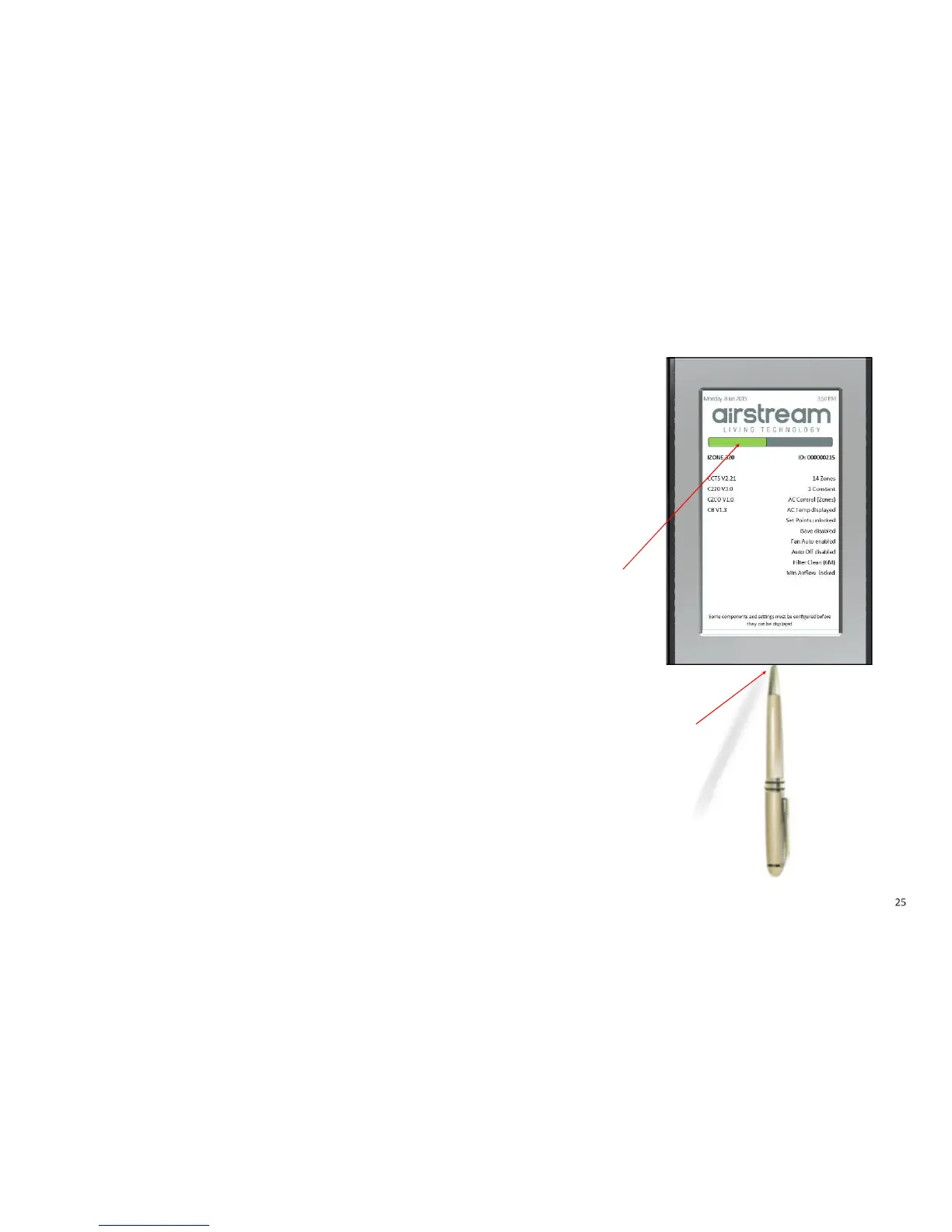
To initialise the system press the button on the underside of any colour touch
screen. This button is recessed so you will need to use a pen to press the button.
The time to initialise the system will vary depending on the number of motors
connected.
The system will also initialise when power is restored after a power failure.
)*&%%
$+#
,*#-#&.



 To Next Page