WORMHOLE SWITCH
USER MANUAL
22
File Transferring
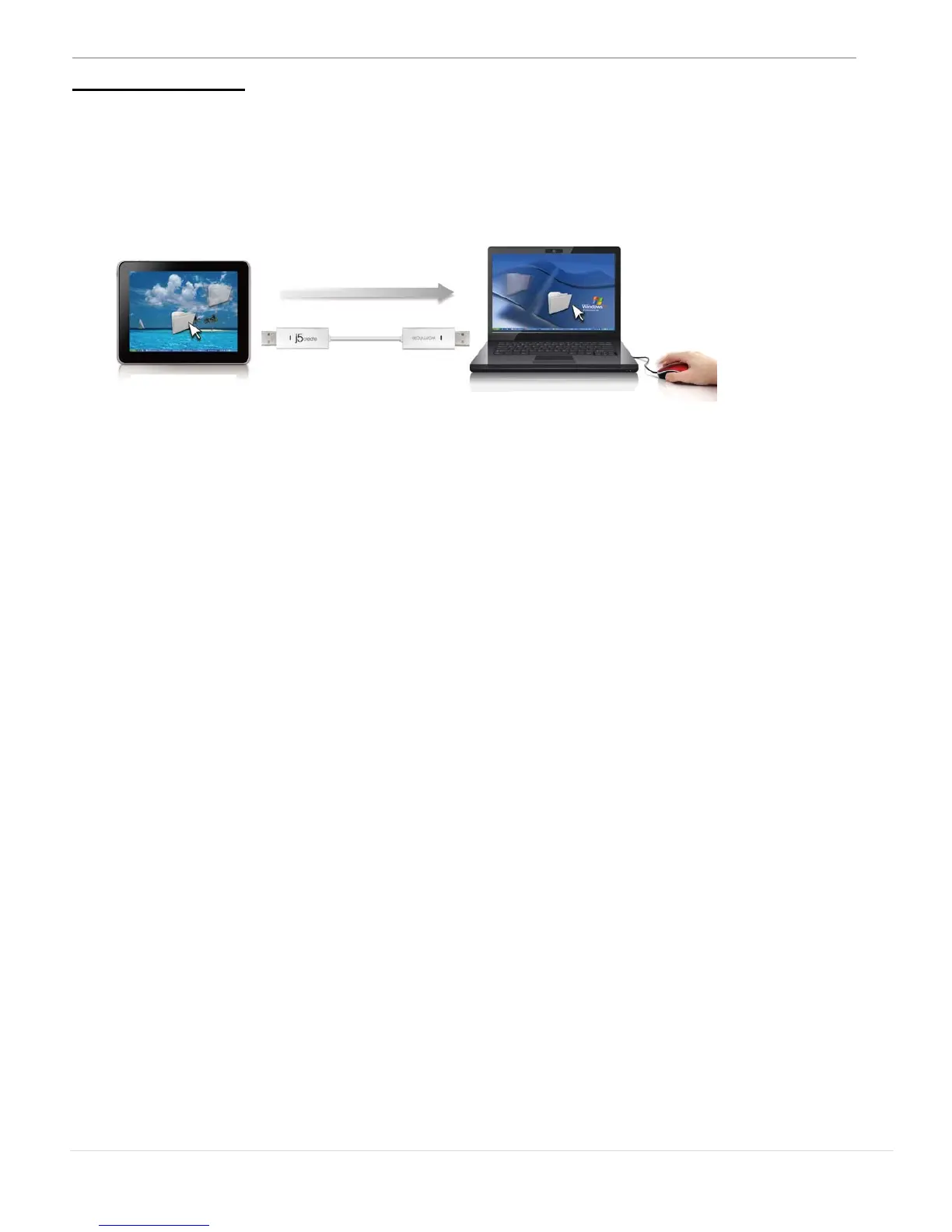
It is an easy and fast way to transfer files between 2 computers. Just
drag and drop the file or folder to the other computers.
Besides using the drag and drop method, you can also do the
following to transfer files between the two computers.
o Copy & Paste:
1. Use Mouse Right-click on the files that you want to copy
and select Copy
2. Move the cursor to the other computer
3. Move the cursor to the location that you would like to
place the file, and Right-click on mouse, then select
Paste
o Hotkeys (Shortcut on Keyboard) :
1. Click on the files that you would like to copy, and press
the (Ctrl+C) Keys
2. Move the cursor to the other computer
3. Move the cursor to the location that you would like to
place the files, and press the (Ctrl+V) Keys to paste the
copied files to another computer.



 To Next Page