Need help?
Do you have a question about the j5 create JUC400 and is the answer not in the manual?
Lists key features like Plug-and-Play, multi-display support, Drag & Drop, iPad keyboard support, and USB compliance.
Explains the functions accessible by clicking the Wormhole Switch utility icon on both Mac and Windows operating systems.
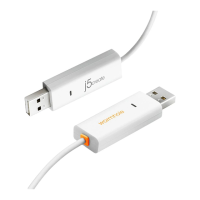
Enables users to control multiple computers with a single keyboard and mouse, moving the cursor naturally between displays.
Details how to transfer keyboard control to a different computer, allowing input on the second system.
Explains methods for transferring files between computers, including drag-and-drop and copy-paste operations.
Provides an easy and fast method to transfer files or folders between two computers by dragging and dropping them.
Step-by-step guide for copying and pasting files between computers using the right-click context menu.
Explains how to use keyboard shortcuts (Ctrl+C, Ctrl+V) for file transfer between Windows and Mac systems.
Enables using a PC's keyboard to type on an iPad, requiring a USB connection kit for setup.
 General
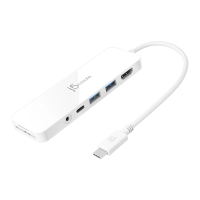
| Model | JUC400 |
|---|---|
| Category | Switch |
| Ports | 4 |
| HDMI Output | 1 |
| USB-A Ports | 2 |
| Power Delivery | Up to 60W |
| Resolution | 4K@30Hz |
| Interface | USB-C |
| Compatibility | Windows, Mac, Chromebook |
| Cable Length | 150 mm |

 To Next Page