WORMHOLE SWITCH USER MANUAL
19
This option allows for alternative key options for the [Ctrl-Alt-Del]
command for the second computer.
*This function is only available when 2 Windows OS Computers
are connected.
EXPLORE THE OUTSTANDING FEATURES
Let‟s explore some outstanding features!
you can start playing with your Wormhole Switch and enjoying the
convenience it brings you.
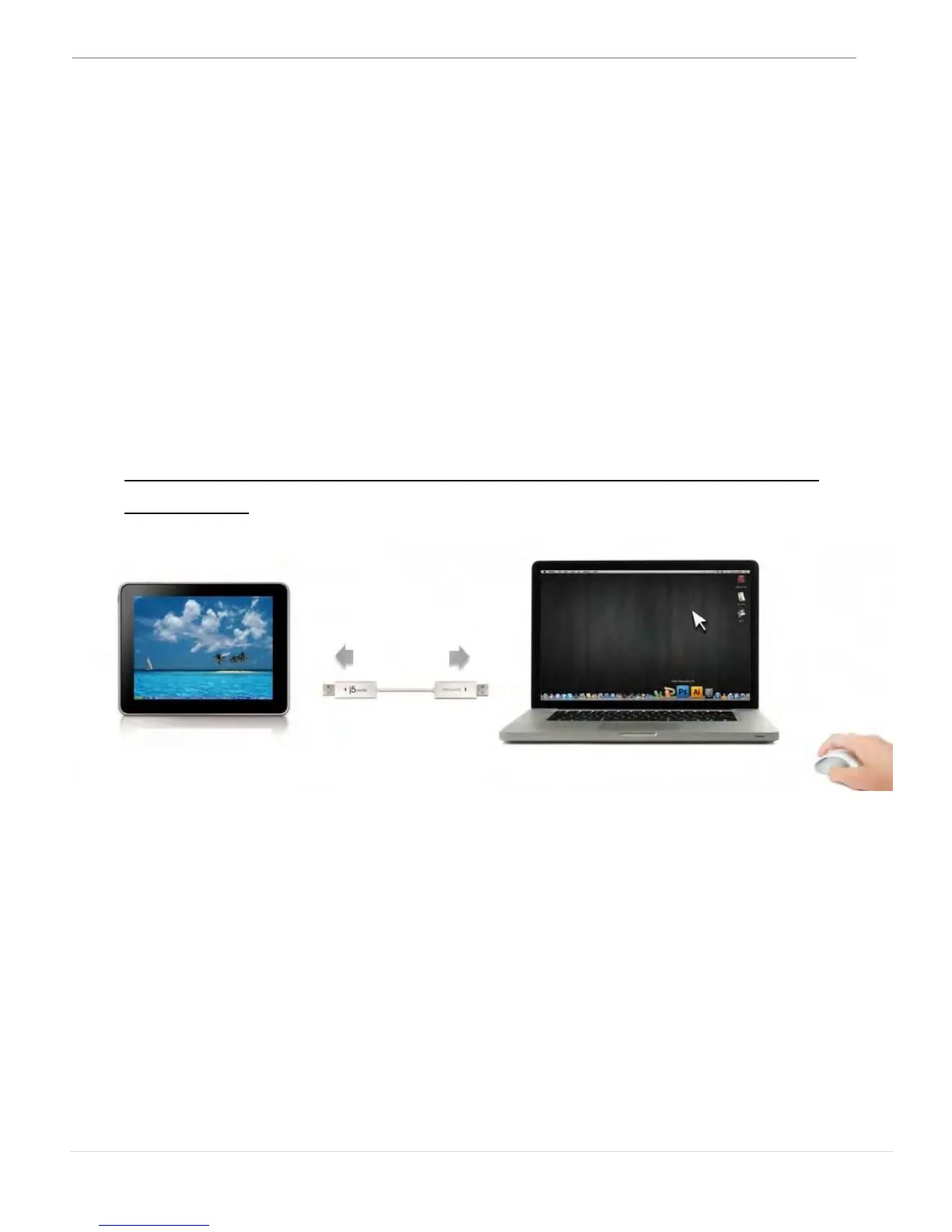
Keyboard and Mouse Sharing
o Move your mouse cursor between two displays naturally and
seamlessly.
Set “Use mouse move off the edge of screen” with “left side of this
pc” in Preferences, you can move the mouse cursor across the left
edge of the display to switch the mouse from one computer to the
other.


 To Next Page