11
ENGLISH
Jabra Evolve 75
4. How to charge
4.1 Using the charging stand
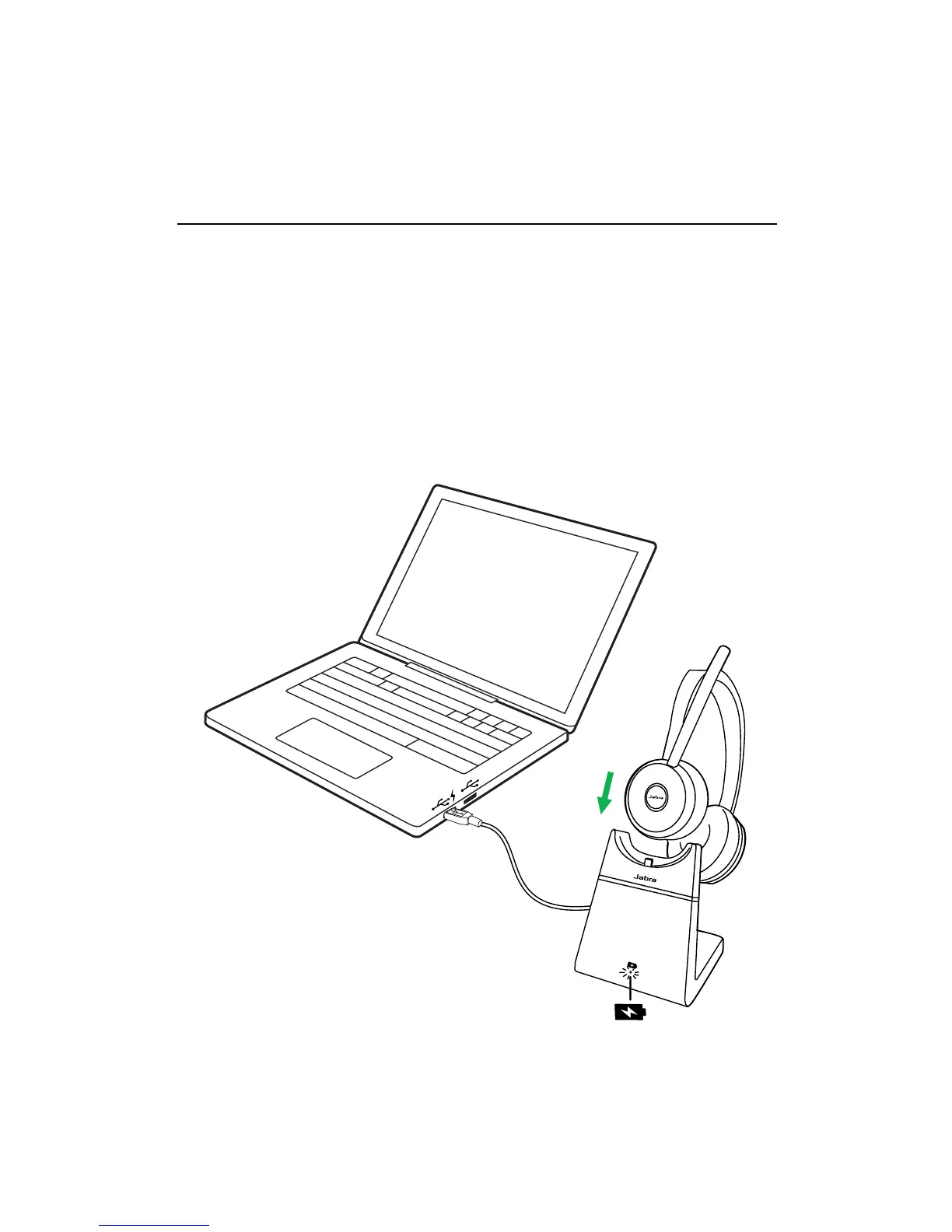
Plug the charging stand into a powered USB
port on your PC, docking station, or wall
charger, and then dock the headset.
It takes approx. 3 hours to fully charge the
headset.
When the PC is turned off, the headset will
continue to charge only when the charging
stand is plugged into a powered USB port.














 To Next Page