23
ENGLISH
Jabra Evolve 75
6.7 Factory reset
Resetting the Jabra Evolve 75 clears the list of
paired Bluetooth devices and all personalized
settings.
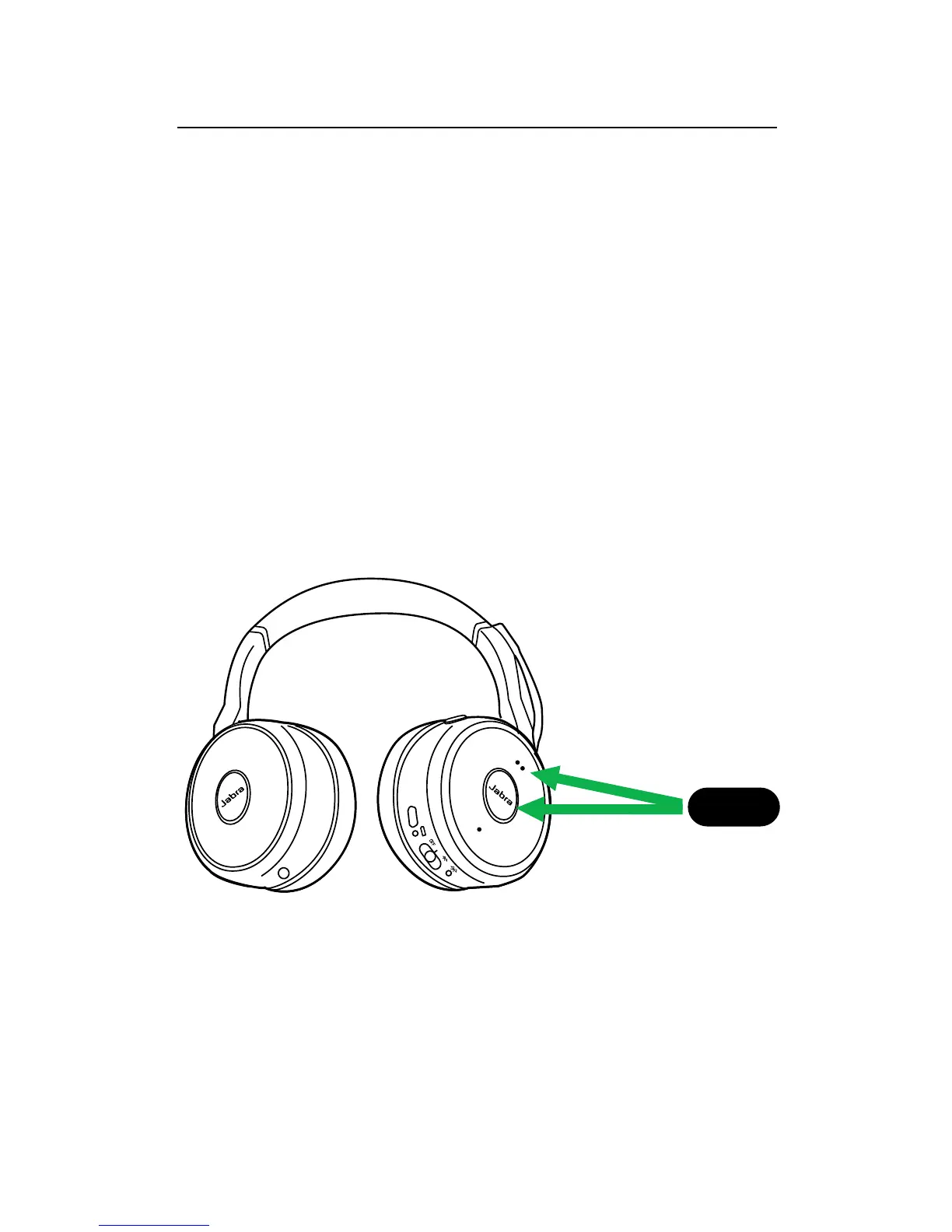
To perform a factory reset, hold the Answer/
End call button and the Volume up button at
the same time for 5 seconds.
After the headset has been reset, you will need
to re-pair it to the Jabra Link 370, or to your
smartphone.
5 sec.














 To Next Page