20
ENGLISH
Jabra Evolve 75
6.4 Busylights
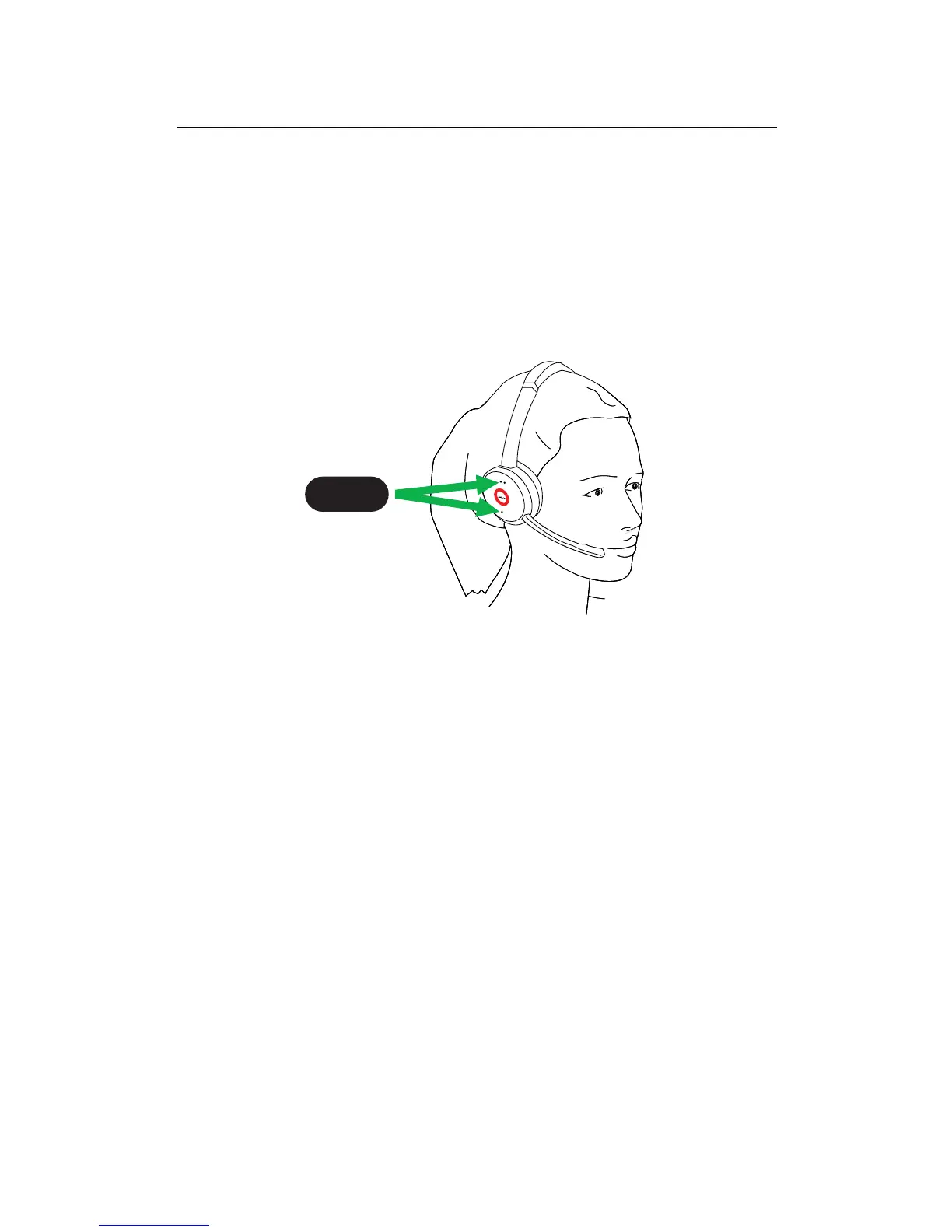
The Busylights on the headset automatically
light up red when you are on a call to indicate
to colleagues that you are busy. To manually
switch the Busylights on/off, press the Volume
up and Volume down buttons simultaneously.
1 sec.
To de-activate the Busylight function entirely,
hold the Volume up and Volume down buttons
simultaneously for 5 seconds. De-activating
the Busylight function will prevent the use of
the busylights.
To re-activate the Busylight function, hold the
Volume up and Volume down buttons
simultaneously for 5 seconds.















 To Next Page