NOISE GUIDE – MANUAL RETURN TO "TABLE OF CONTENTS"
NAVIGATING THE SOFTWARE
MEASUREMENT LIBRARY
23
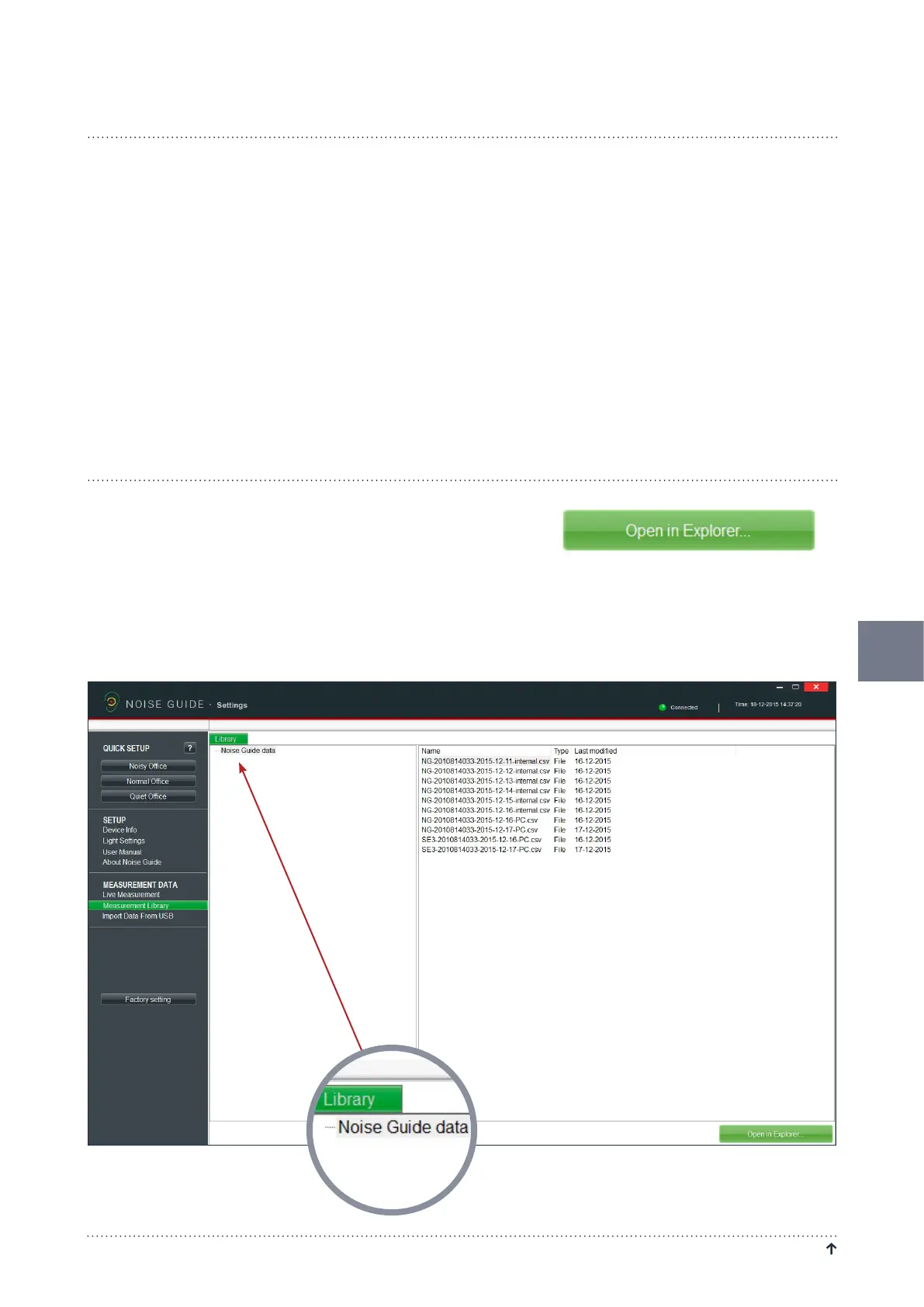
NoiseGuideautomaticallysavesalllivemeasurementstotheC-driveinthefoldercalled”NoiseGuidedata”.
DataimportedfromtheNoiseGuideviaUSBarealsosavedinthisfolder.AllfilesaresavedinaCSVformatthatis
compatiblewithExcel.
Logfileswillbenamed"PC"iftheyarelivemeasuements,and"Internal"iftheyareexportedfromtheNoiseGuide’s
internalmemory.
Thelogfilenamesarecreatedasfollows: 1. Nameofdevice
2. Date
3. Originofthedata(livemeasurementorimportedviaUSB)
Exampleofalivemeasurement:
• Strandboulevarden-11-03-2015-PC
Exampleofanimportedmeasurement:
• Strandboulevarden-09-03-2015-internal
Ifyouwishtorenameoredityourlogfiles,thismustbedonefromthe
destinationfolderontheC-drive.Takeashort-cuttothedestination
folderbyclicking”OpeninExplorer”inthebottomrightcorner.
Select "Noise Guide data" to update the folder in the software.


 To Next Page
 Loading...

