PhaseStation 53100A User’s Manual V1.04 25-Apr-2022 190
The /sep option may be used to specify an additional separator character that will
appear before the space between the timestamp and measurement value. If the client
requires comma-separated values, for example, /sep:, would be useful. Any nonzero
numeric value used as the /sep: argument is treated as an ASCII code; e.g. /sep:9
generates a tab character.
Example: tserve64 /start /phaserate:1000 /phasedec:200 /format:F /timestamp:s /sep:,
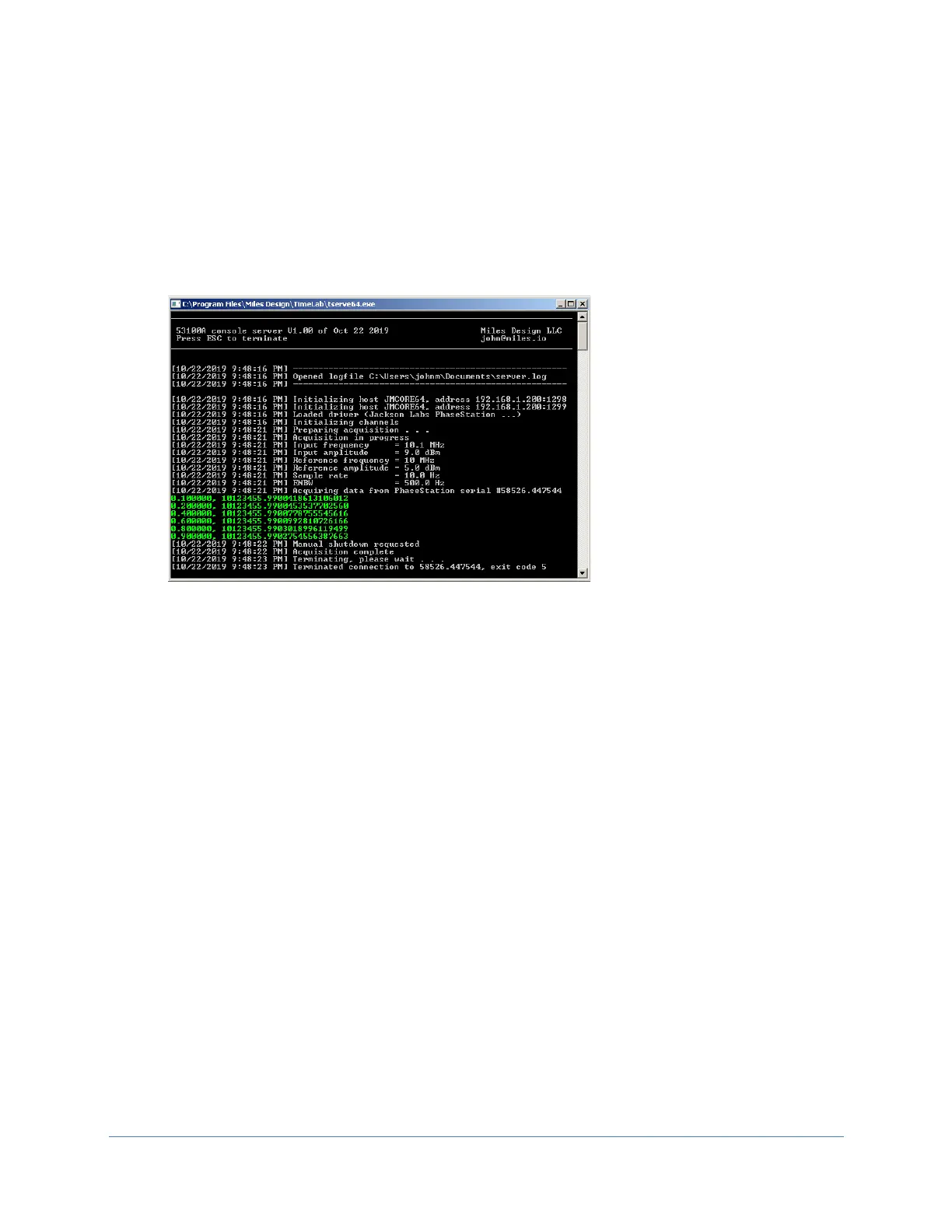
Note that without the /phasedec:200 parameter, the timestamps shown in green in
Figure 75 above would have advanced at the rate of 0.001 second per reading rather
than 0.1 second. This effect would be apparent to any connected streaming-data clients
but would not necessarily be visible in the server console, since the readings obtained
with the Scroll Lock monitor function are limited to 10 readings per second.
/serial:<sernum>
When more than one 53100A is connected to the server PC, you may need to use the /serial
option to associate a given TSERVE instance with a specific instrument. Each instance of TSERVE
supports only one acquisition at a time, but you can launch as many instances as desired.
Example: tserve64 /serial:55908.304876 /cmd_port:1234 /data_port:1235
The command above will launch an instance of TSERVE for use with the 53100A whose serial
number is 55908.304876. To avoid addressing conflicts, each TSERVE instance must specify
unique TCP/IP ports for command and data traffic.
/smooth:<0,1,2>
The /smooth option determines the filtering operations applied to phase noise data returned by
the show spectrum command.



 To Next Page