CONTROLS 3
GB-4
3 CONTROLS
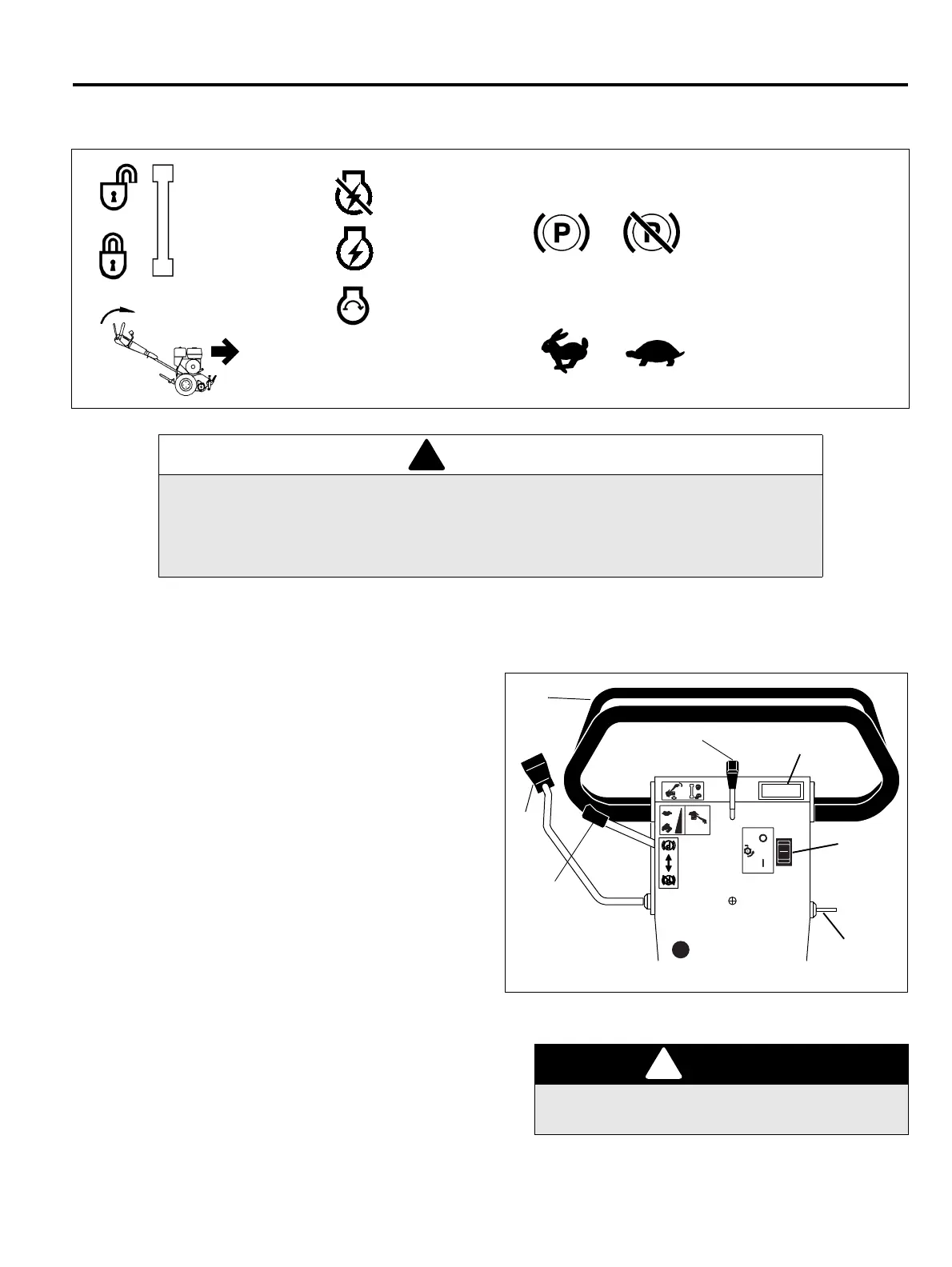
3.1 ICONS ___________________________________________________________________
3.2 CONTROLS_______________________________________________________________
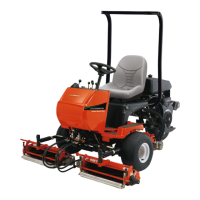
The Greens King 522E mower is equipped with a Hoop
handle design with an Operator’s Presence Control
(O.P.C.).
A. Parking Brake – Used whenever the mower is left
unattended or as a service brake while transporting.
B. Traction Speed – Controls the ground speed of the
unit. Push lever forward to increase ground speed.
C. O.P.C. Lock-out – Prevents the O.P.C. bail from
being accidentally engaged. Push lever (C) forward,
then engage the O.P.C. bail (D).
D. O.P.C. Bail - The bail handle controls power to both
the reel and traction drive. The bail must be
disengaged to power up the mower.
E. Power Switch - The power switch turns the power
on and off. It has three positions OFF, RUN and
START.
F. Reel Switch - The reel switch is used to start and
stop the reel.
G. Display Gauge - The display gauge shows the
battery charge level. The indicator will start flashing
when battery charge is below 20%.
Figure 3A
WARNING
Never attempt to operate the machine unless you have read the Safety and Operation
Manual, the Parts and Maintenance Manual and know how to operate all controls correctly.
Familiarize yourself with the icons shown above and what they represent. Learn the
location and purpose of all the controls before operating this mower.
O.P.C. Unlock
O.P.C. Lock
Engaged Disengaged
Parking Brake
O.P.C. Traction
Drive
Power Off
Power On
Fast Slow
Throttle
Power Up
DANGER
Keep hands and feet away from the cutting unit to
prevent serious injury.
Handle Controls
4104281
A
B
C
D
E
F
G




 To Next Page