5. Desktop
5.1 Status Bar
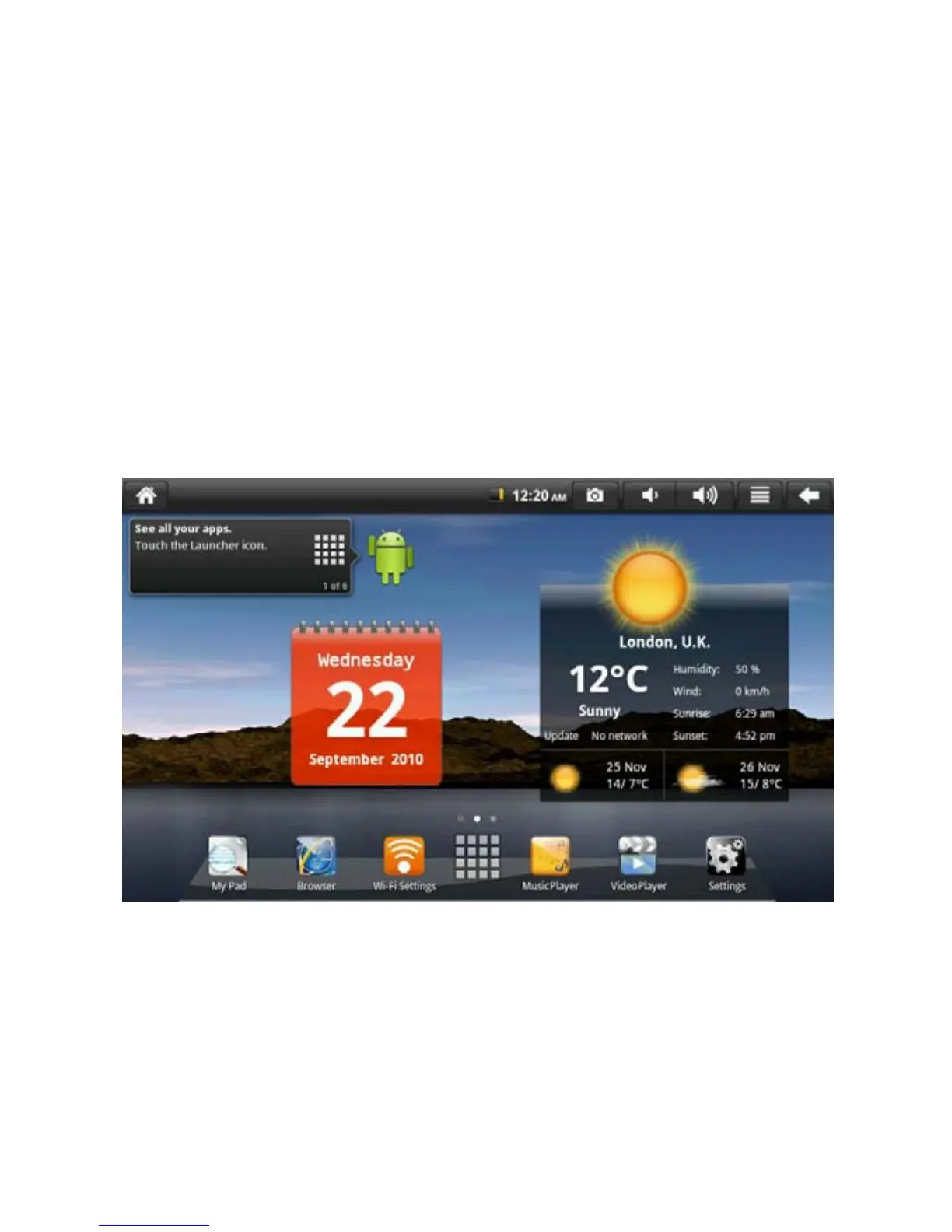
The uppermost part of the screen is the status bar and displays SD card,
network, battery status, time and volume increase or decrease.
5.2 Main Interface
The main interface program page of flat palm computer includes two types
of modes: desktop tool mode and application program icon mode. Two
types of modes are switched through the central button of shortcut bar. The
desktop tool mode is shown in the following figure.
13


 To Next Page