Silent Mode
To set other sounds as quiet but media and clock, please enter [Menu >
System Setting > Sound and Display > Silent Mode].
Audio Volume
To set the volume of music and video, please enter [Menu > System Setting
> Sound and Display > Volume].
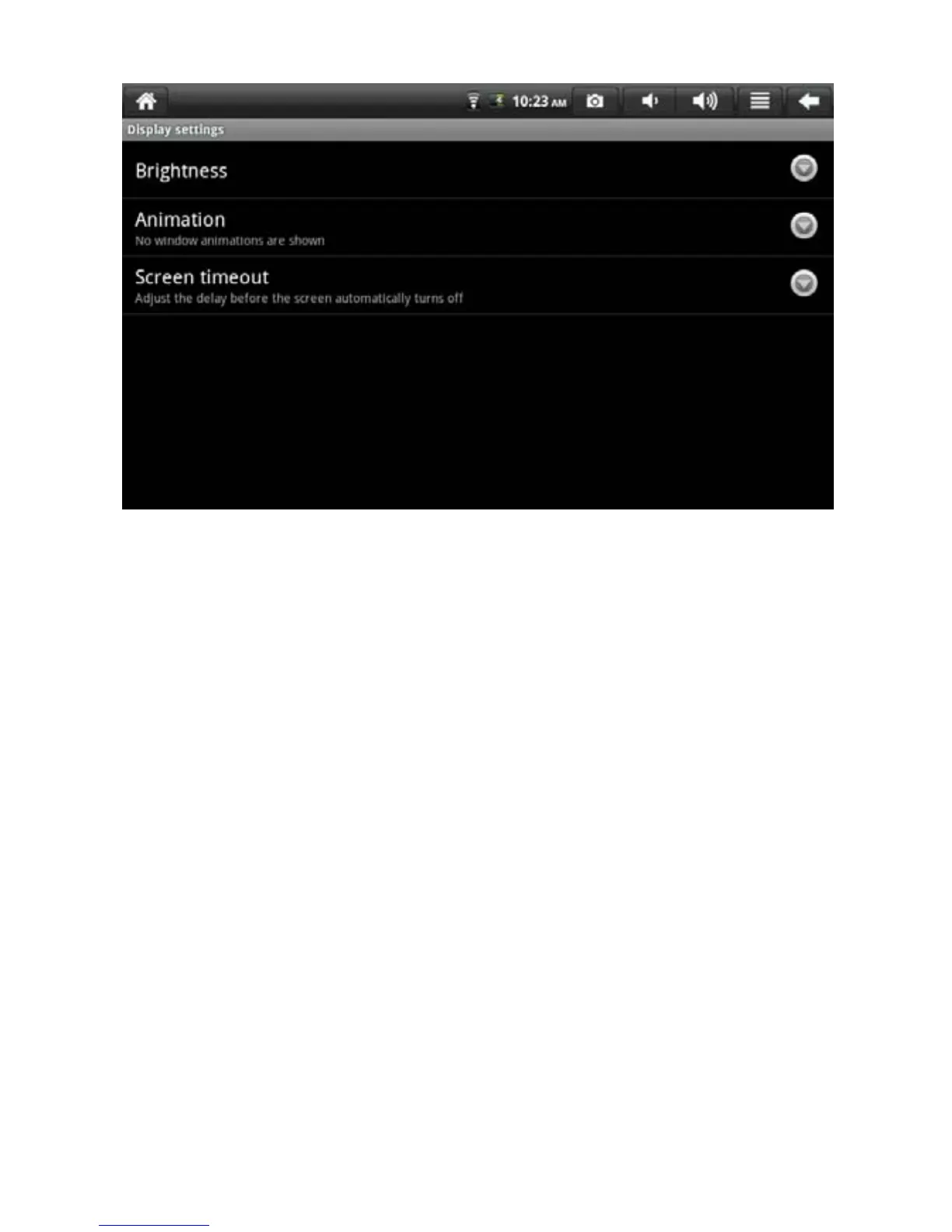
Brightness
To adjust the brightness of screen, please center [Menu > System Setting >
Sound and Display > Brightness].
Screen Timeout
To adjust the delay before automatic lock of screen and select
corresponding time, please enter [Menu > System Setting > Sound and
Display > Screen Timeout].
8.3 Application Program
Unknown Sources
The application program provided by non-electronic market is allowed to be
installed after checked.
21


 To Next Page