Manage Application Programs
To manage and delete the installed application program, please enter [Menu
> System Setting > Application Program > Manage Application Program].
Running Service
To check and control the service that runs currently, please enter [Menu >
System Setting > Application Program > Running Service].
8.4 SD Card and Device Memory
Check the available memory space.
Storage Device (SD Card or USB Disk)
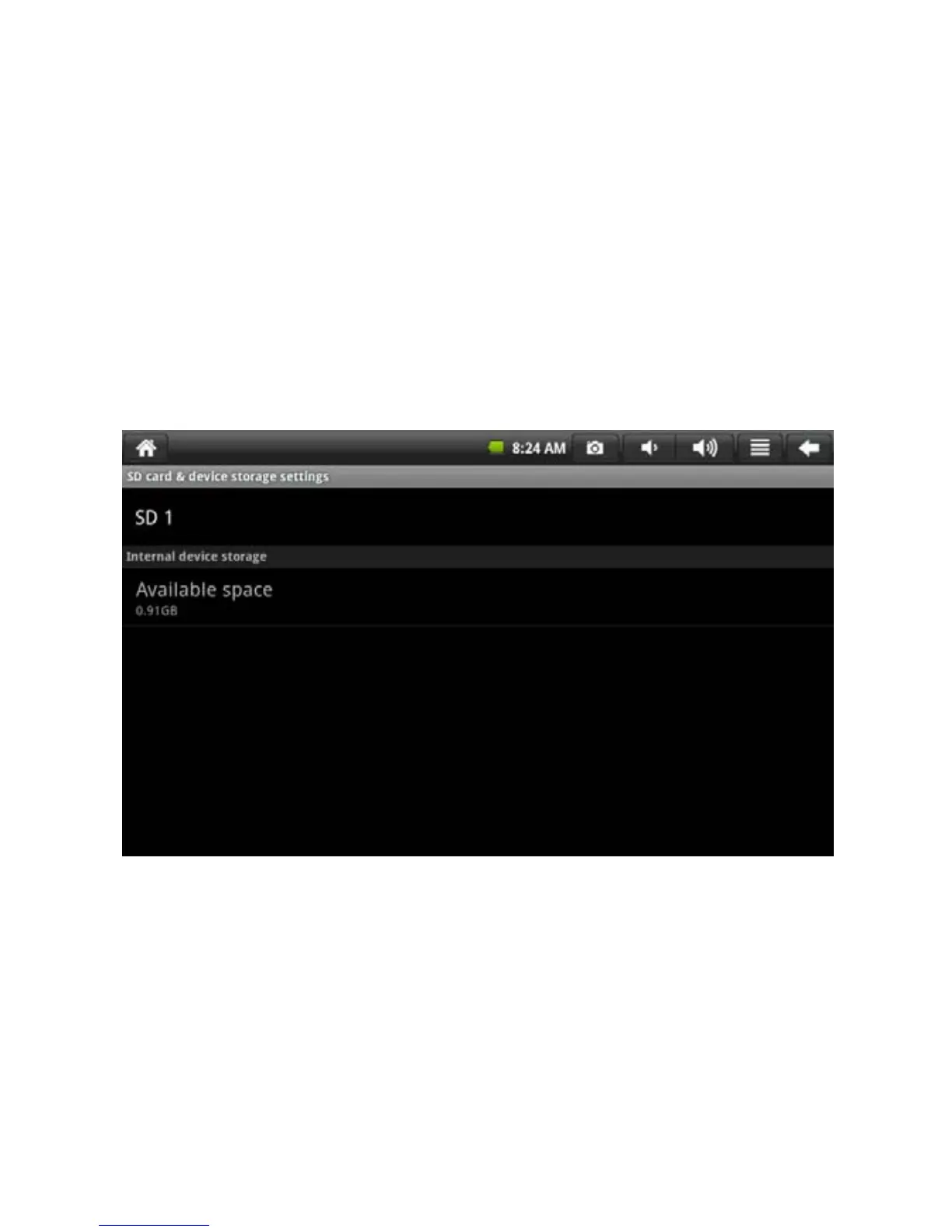
To check and operate the storage device such as download, please enter
[Menu > System Setting > SD Card and Device Storage]. Select the
corresponding storage device in the directory of storage equipment such as
storage card 1. After entering the interface of storage equipment, check the
total space and available space. Uninstall can also be conducted for it. The
interface is shown as the following figure.
22


 To Next Page