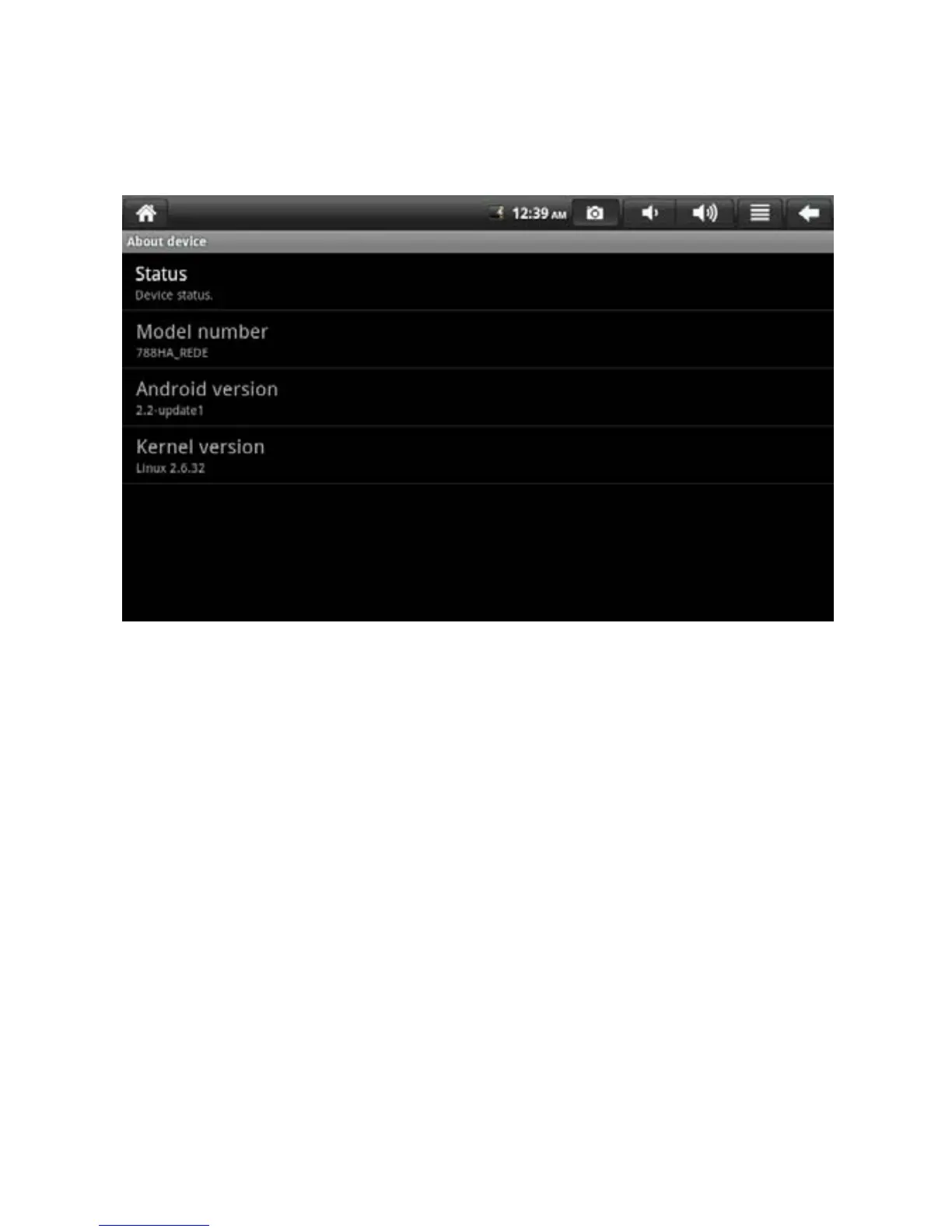
8.7 About Device
Check equipment state and software version.
To check battery status, battery level, Wi-Fi MAP address and uptime,
please enter [Menu > System Setting > About Device > Status].
9. Prompts and Tips
As the equipment has large screen, it consumes a great deal of electricity.
You can reduce the use frequency of the following functions to prolong the
endurance of battery.
1. Playback the videos or listen the music.
2. Display brightness: please enter [MENU > Setting > Sound and Display
> Brightness] (lower the brightness).
3. Network search: please enter [MENU > Setting > Wireless Controls >
Wi-Fi Setting > Network Notification] (Set notification off)
4. Use Wi-Fi: Please enter [MENU > Setting > Wireless Controls > Wi-Fi]
(Set Wi-Fi off)
26


 To Next Page